
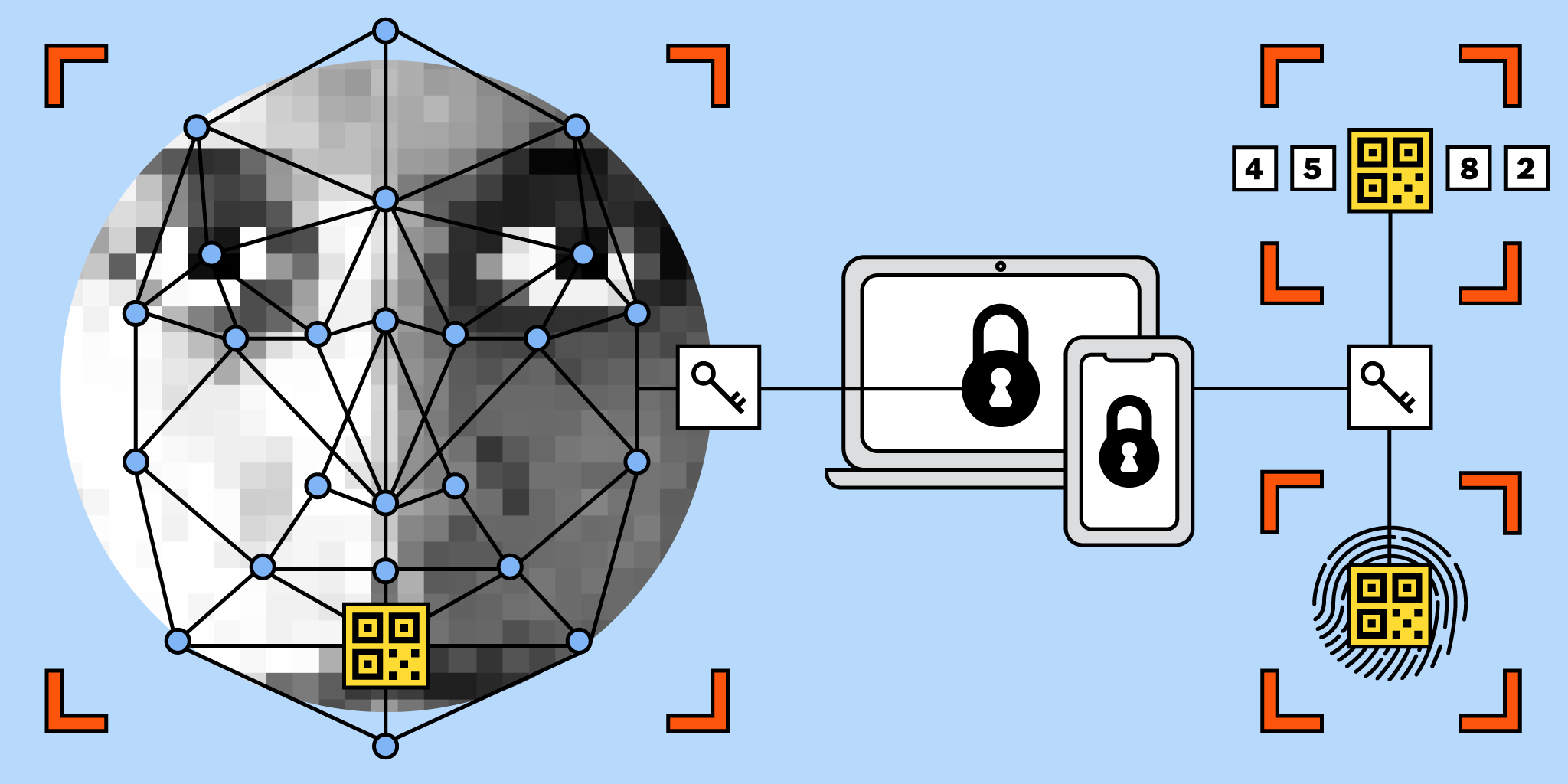
The passkey wallet limits to account for
Passkeys shift authentication from memorized secrets to cryptographic keys stored on your device. This change simplifies security but introduces a specific constraint: you must manage the physical or digital hardware that holds the key. If your phone is lost, stolen, or locked out, your access to the passkey wallet is gone. This dependency on a single device creates a new risk vector that password managers never had.
The constraint is not just about losing a device; it is about the recovery process. Traditional wallets use seed phrases that you write down. Passkey wallets often rely on cloud backups or device-specific recovery flows. This means your access is tied to your account recovery status, not just a static code you control. If you cannot verify your identity through your primary device or email, you may lose your assets permanently.
To navigate this, treat your passkey device as the primary vault. Keep it secure, backed up, and updated. Understand the recovery options before you need them. This constraint is the trade-off for the convenience of no more passwords.
How to Choose the Right Passkey Wallet
Deciding between a passkey wallet and a traditional password manager comes down to your security tolerance and device habits. Passkey wallets use public-key cryptography to create unique digital keys for each service, removing the need for recovery phrases or shared secrets. This approach significantly reduces the risk of credential stuffing and phishing attacks, which remain the primary vectors for account compromise.
However, this convenience requires a shift in how you manage access. You must evaluate your ability to keep your primary device secure, as losing access to your biometric authenticator can lock you out of your accounts. The following steps help you weigh these tradeoffs to select the solution that fits your daily workflow.
1. Evaluate Your Device Ecosystem
Passkeys rely heavily on the security of the device they are stored on. If you primarily use iOS or Android devices with modern biometric sensors (Face ID or fingerprint), a passkey wallet offers a frictionless experience. If you frequently switch between Windows, Linux, or older hardware, you may find password managers more compatible, as they can sync credentials across platforms without relying on specific hardware security modules.
2. Assess Recovery Options
One of the biggest downsides of passkeys is the potential for account lockout if your primary device is lost or damaged. Before committing, check if your chosen wallet offers cloud-based backup (like iCloud Keychain or Google Password Manager) or if it requires manual export of recovery codes. Traditional password managers often provide more granular control over encrypted backups, ensuring you can restore access even if your phone is stolen.
3. Verify Platform Support
While adoption is growing, not all platforms support passkeys equally. Visit the settings pages of your most critical accounts (email, banking, social media) to see if they offer passkey sign-in. If you rely on legacy services or niche platforms that only support username/password combinations, a password manager remains the more practical tool for now. Use a passkey wallet for high-security sites that support it, and a password manager for the rest.
Never rely solely on a single device for passkeys without a verified backup method. If your phone breaks and you have no cloud backup or recovery codes, you may permanently lose access to your accounts.
By following this framework, you can leverage the superior security of passkeys where available while maintaining the flexibility of password managers for broader compatibility. This hybrid approach ensures you are never locked out while minimizing your exposure to common cyber threats.
Watch out for these weak passkey options
Not all passkey wallets are built equally. Some options promise security but leave you exposed to common pitfalls. Here is what to avoid when choosing a wallet in 2026.
The weak options to avoid
- Cloud-only passkeys without local backup: Some providers store your passkey exclusively in the cloud. If the provider goes offline or bans your account, you lose access to your crypto. Look for wallets that offer local key storage or a verifiable recovery phrase alongside the passkey.
- Proprietary passkey formats: Avoid wallets that use non-standard cryptographic implementations. These often lack interoperability with other services and may not support future upgrades. Stick to wallets that follow the official FIDO2 and WebAuthn standards.
- Poorly documented recovery processes: A passkey is useless if you cannot recover it. If the wallet’s support documentation is vague or missing, skip it. You need clear, step-by-step instructions for recovering access without relying on customer support.
How to verify a secure option
Check the wallet’s source code if available. Open-source wallets are more likely to be secure because they can be audited by the community. Also, look for independent security audits. A wallet that has been reviewed by reputable security firms is less likely to have hidden vulnerabilities.
What are the downsides of passkeys?
The primary downside is device dependency. If you lose your primary device (phone or laptop) and do not have a verified cloud backup or recovery codes, you may be permanently locked out of your accounts. Additionally, not all websites and services support passkeys yet, requiring you to maintain a secondary password-based system.
What is the safest passkey?
The safest passkey is one stored on a dedicated hardware security key (like a YubiKey) or a device with a secure enclave (like Apple’s Secure Enclave or Android’s Titan M chip), combined with a verified offline backup method. This ensures that even if your primary device is compromised, the key cannot be extracted remotely.
Can your passkey be hacked?
Passkeys are significantly more secure than passwords because they use public-key cryptography and are origin-bound, meaning they only work on the specific website they were created for. However, they are not immune to all attacks. Sophisticated phishing attacks can trick users into authenticating on fake sites if they do not verify the URL. Additionally, if an attacker gains physical access to your unlocked device, they may be able to use your biometrics to authorize transactions.
Where can I find the base wallet passkey?
If you are using a Base wallet, you can typically find your passkey settings in the wallet’s security section. Look for “Settings” > “Security” > “Passkeys” or “Authentication.” Here, you can view your existing passkeys, add new ones, or manage recovery options. If you cannot find it, check the official Base help documentation for the most up-to-date instructions, as interfaces may change.
No comments yet. Be the first to share your thoughts!