
What is a passkey wallet?
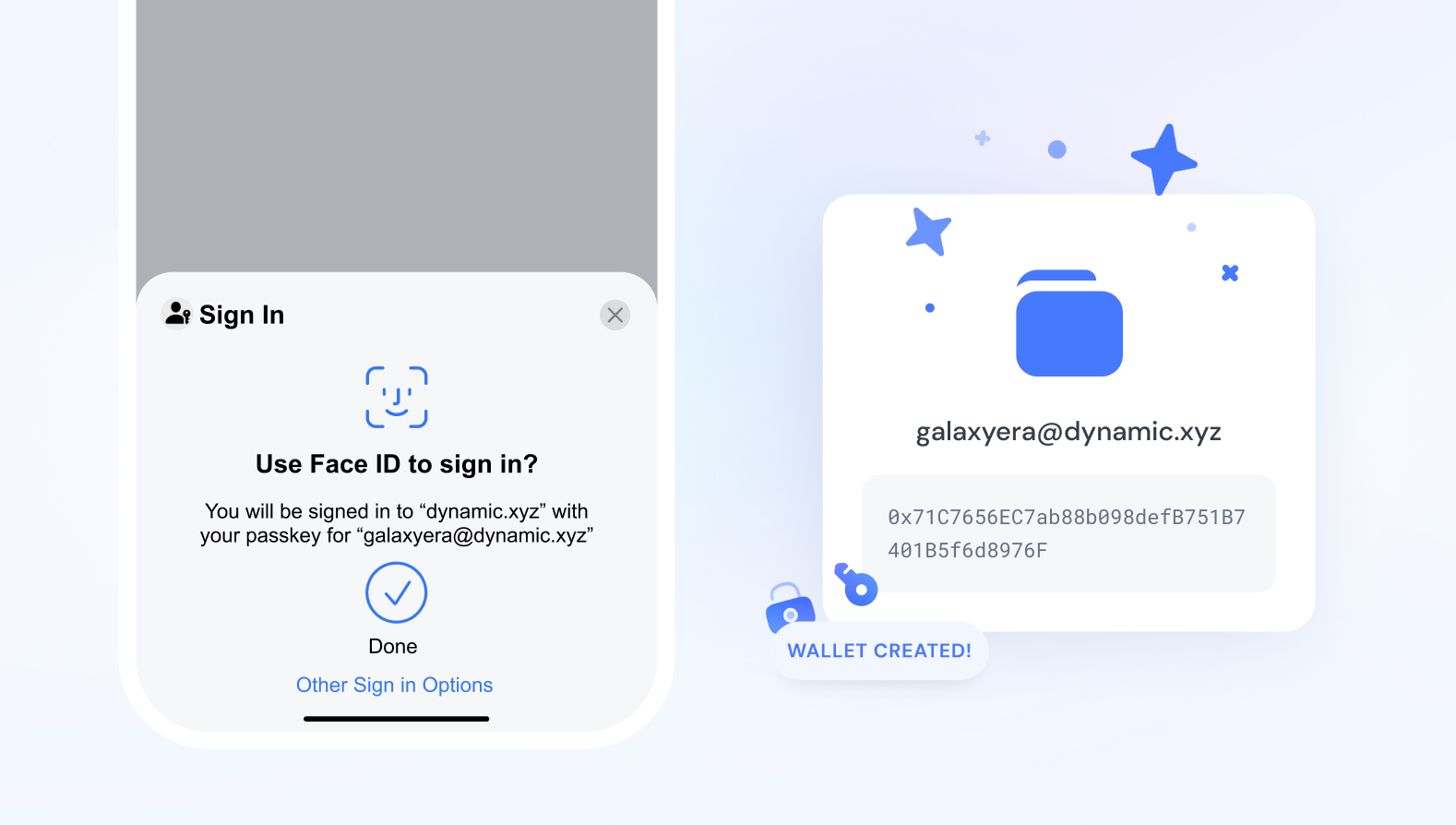
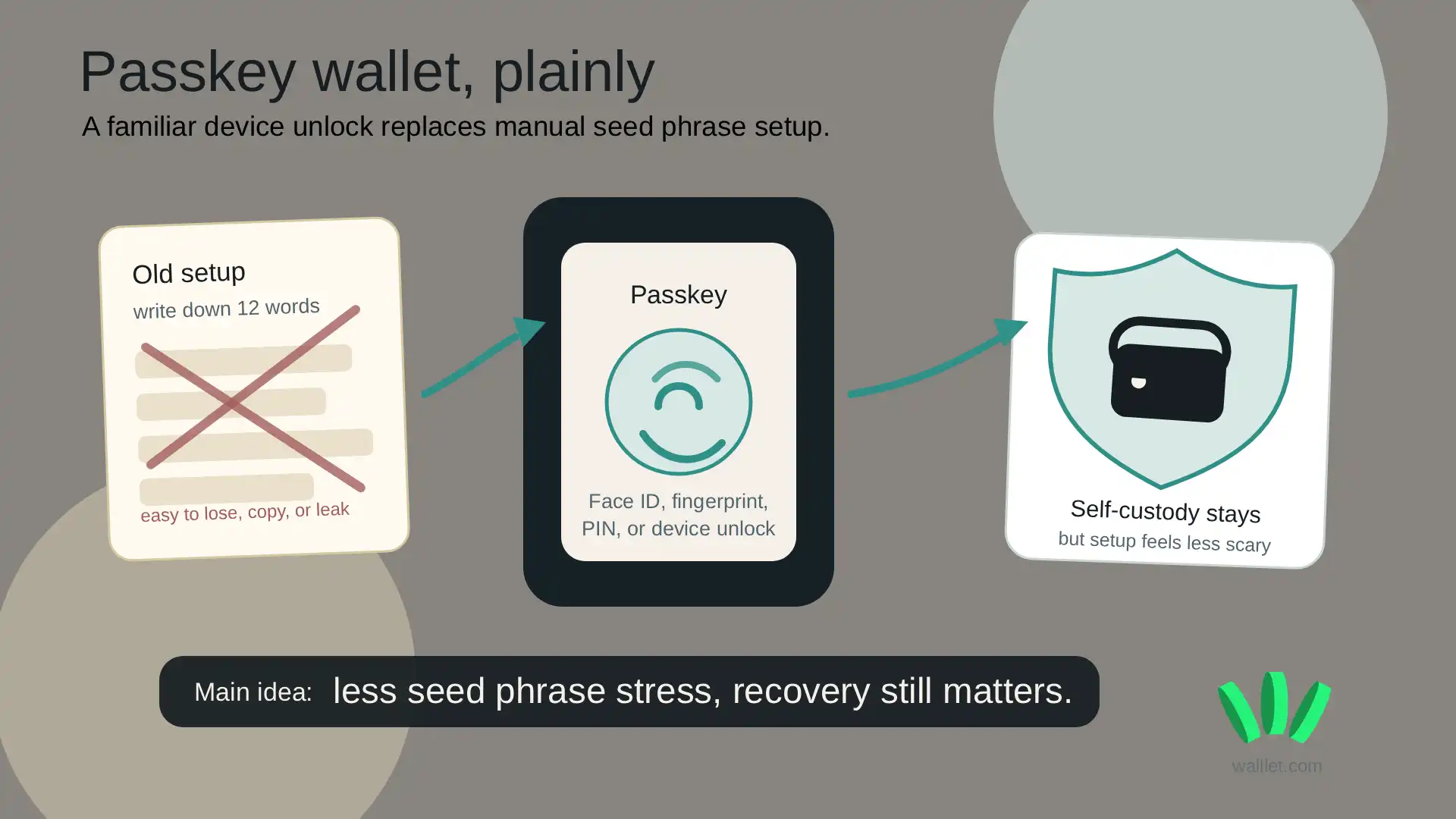
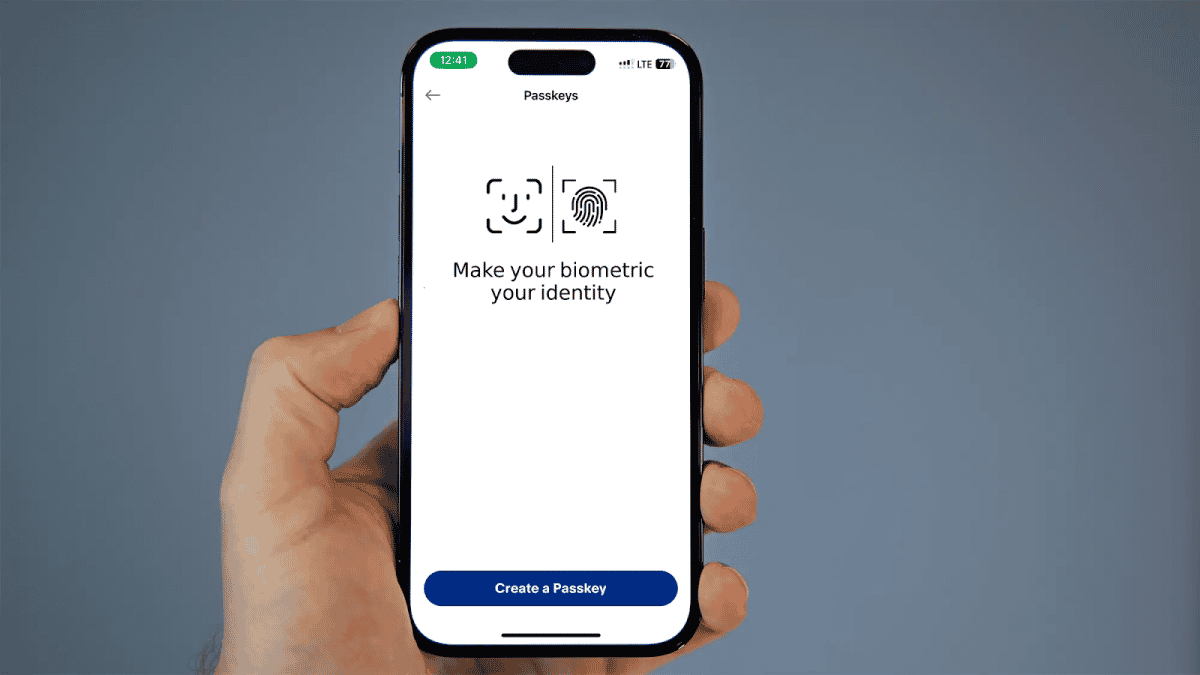
A passkey wallet is a self-custody solution that uses public-key cryptography instead of passwords to secure digital assets. It replaces the traditional seed phrase or password entry with a biometric or device-based authentication method, such as Face ID, Touch ID, or a hardware security module (HSM). This approach aligns with the FIDO2 standard, allowing users to create a unique cryptographic key pair for each service or platform.
The primary advantage is the elimination of password reuse and phishing risks. Since the private key never leaves the secure element of the user's device, it cannot be intercepted via a fake login page. For Web3 applications, this means a seamless onboarding experience where users can sign transactions without managing complex mnemonic phrases. Products like the Exodus Passkey Wallet demonstrate this by embedding the passkey infrastructure directly into the application, offering a frictionless entry point for both new and existing users.
However, the model introduces new constraints. If the device is lost and not backed up, access to the wallet is permanently locked. Unlike a seed phrase, which can be written down and stored offline, a passkey is tied to the specific hardware. This makes the security of the underlying device and the backup mechanisms equally critical. Users must weigh the convenience of passwordless access against the rigidity of hardware-bound recovery.
Passkey Wallet vs. Traditional Seed Phrase Wallets
| Feature | Passkey Wallet | Traditional Seed Phrase Wallet |
|---|---|---|
| Authentication | Biometric or device PIN | 12-24 word mnemonic phrase |
| Key Storage | Secure Enclave / HSM | User-managed (digital or paper) |
| Phishing Resistance | High (domain-bound) | Low (users must manually verify addresses) |
| Recovery | Device-dependent or cloud-synced | User-controlled via seed phrase |
| Multi-Device Access | Limited (requires sync setup) | Unlimited (seed works on any device) |
The tradeoff is clear: passkeys offer superior usability and phishing protection but reduce user control over recovery. Traditional wallets give full sovereignty over the seed phrase but place the burden of security entirely on the user. For most new users, the passkey model reduces the cognitive load of security, while advanced users may prefer the explicit control of a seed phrase.
Passkey wallet choices that change the plan
Adopting a passkey wallet removes the friction of seed phrases but introduces new dependencies on your device and identity provider. Before migrating your primary assets, you need to weigh convenience against control. The tradeoff is simple: you trade the burden of manual backup for the risk of account lockout.
The following comparison breaks down how passkey wallets stack up against traditional self-custody and custodial solutions across critical dimensions.
| Feature | Passkey Wallet | Seed Phrase | Custodial Exchange |
|---|---|---|---|
| Recovery | Device-based or cloud backup | Manual mnemonic phrase | Customer support ticket |
| Hacking Risk | Low (biometric gate) | High (phishing target) | Medium (exchange breach) |
| Privacy | Medium (provider knows identity) | High (anonymous) | Low (KYC required) |
| Device Loss | High (lose access) | Low (have backup) | None (account persists) |
Convenience vs. Control
For most users, the primary draw is the elimination of password fatigue. Passkeys store a P-256 key in dedicated tamper-resistant hardware, gating every signature behind biometrics like FaceID or Windows Hello [src-3]. This makes unauthorized access significantly harder than guessing a weak password or phishing for a seed phrase. However, this convenience comes at the cost of privacy. Your identity provider (Apple, Google, Microsoft) acts as a trusted third party that can verify your identity, creating a central point of failure if their services go down or if you lose access to your primary device.
Recovery and Device Dependency
The most significant downside of passkey wallets is the recovery process. If you lose your device and do not have cloud backups enabled or synced properly, you can lose access to your wallet permanently. Unlike a seed phrase, which is a static string of words you can write on paper and store in a safe, a passkey is tied to the cryptographic architecture of your specific device ecosystem. This makes passkey wallets less suitable for "cold storage" of long-term holdings where you anticipate being offline or device-independent for extended periods.
Use Case Decision
Passkey wallets are ideal for daily trading, dApp interactions, and onboarding new users who find seed phrases intimidating [src-2]. They offer a seamless solution for web3 integration without the technical overhead of managing private keys [src-4]. However, if you are a high-net-worth individual storing assets for years, or you prioritize absolute anonymity and self-sovereignty, a traditional seed phrase wallet or a hardware wallet remains the safer, more robust choice. For most retail users, the balance of security and ease of use makes passkeys the practical default.
Choose the next step
Why is the Year of the Passkey Wallet works best as a clear sequence: define the constraint, compare the realistic options, test the tradeoff, and choose the path with the fewest hidden costs. That order keeps the advice usable instead of decorative. After each step, pause long enough to check whether the recommendation still fits the reader's actual situation. If it depends on perfect timing, unusual access, or a best-case budget, include a simpler fallback.
Avoid the Weak Options
Not every wallet claiming passkey support is built for serious asset management. Many solutions rely on browser-based storage or weak software keys that offer no real protection against phishing or device theft. When evaluating a passkey wallet, look for hardware-backed security modules (HSMs) or secure enclaves. Without these, you are just trading a memorized password for a vulnerable digital file.
Some platforms market "seamless" integration while hiding the fact that their private keys are stored in unencrypted cloud databases. This is a critical distinction. A true passkey wallet uses the WebAuthn standard to bind your identity to a physical device, ensuring that even if your computer is compromised, the attacker cannot sign transactions without your physical presence. Always verify the underlying security architecture before linking your wallet to any dApp or exchange.
The Exodus Passkey Wallet, for example, offers a standalone application that integrates with Web3 onboarding, but it is just one option in a crowded market. Do not assume that all passkey implementations are equal. Check if the provider supports cross-device sync securely and if they have undergone independent security audits. Weak options often fail when you need them most: during a high-value transaction or when your primary device is lost.
Passkey wallet: what to check next
Passkeys are replacing passwords by storing cryptographic keys in your device’s hardware. While this removes the need to remember complex strings, it introduces new dependencies on your personal devices. Here are the practical answers to the most common questions about managing a passkey wallet.
What are the downsides of passkeys?
The primary downside is device dependency. If you lose your phone or computer, you cannot access your wallet without a pre-configured backup method, such as a secondary device or a recovery phrase. Unlike a seed phrase that you can write down and store offline, passkeys live in secure enclaves. This makes recovery more complex if you switch devices or if your primary hardware fails.
Where do I find my passkey?
Your passkey is stored in the operating system’s secure storage, not in a specific app. On iOS, it is in iCloud Keychain. On Android, it is in Google Password Manager. On Windows, it is in Windows Hello. You can view or manage them in your device settings under "Passwords" or "Security." You do not need to open a specific wallet app to access the key itself; the OS handles the authentication.
Where can I find the base wallet passkey?
The "base wallet passkey" is not a single file you can download. It is the master key pair generated by your device when you first set up the wallet. For example, in wallets like Exodus or Eco, the passkey is generated on-device and stored in the hardware security module. You interact with it through the wallet’s interface, but the key itself remains locked in your device’s secure enclave. You can verify its existence in your OS security settings.
What banks support passkeys?
Adoption is growing but varies by region. Major institutions like JPMorgan Chase, Bank of America, and Capital One in the US support passkey login for their mobile apps and online banking. In Europe, many banks are integrating passkeys via Open Banking standards. Check your bank’s security settings or FAQ page for "passkey" or "passwordless login" to confirm support for your specific account.
No comments yet. Be the first to share your thoughts!