
What is a passkey wallet
A passkey wallet is a Web3 smart account that replaces traditional seed phrases with biometric authentication methods like FaceID or TouchID. Instead of memorizing a 12-word recovery phrase, you use the same credential system built into your phone or computer.
This technology leverages WebAuthn and account abstraction to simplify onboarding and improve security. When you create a passkey, public-key cryptography generates a unique digital key pair. The private key never leaves your device’s secure hardware enclave, while the public key is stored on the blockchain. This setup removes the risk of phishing or seed phrase theft, as there is no single string of words to copy or steal.
By eliminating the need to write down recovery phrases, passkeys make crypto wallets accessible to non-technical users while maintaining the security standards required for high-stakes transactions.
Choose a compatible wallet provider
Selecting a passkey wallet provider determines how you access your assets and which blockchains you can use. The best option depends on whether you prioritize ease of onboarding or broad asset support. Most modern passkey wallets utilize FIDO2 and WebAuthn standards, allowing you to sign transactions with your device's biometric data instead of a seed phrase.
Coinbase Base Smart Wallet
Coinbase’s Base Smart Wallet integrates passkeys directly into the Coinbase ecosystem. This setup is ideal for users who want a streamlined experience with minimal friction. You can create an account using Face ID or Touch ID, which generates a unique digital key stored on your device.
The wallet supports account abstraction, meaning you can sponsor gas fees and batch transactions. It is currently optimized for the Base network, making it a strong choice for Ethereum ecosystem users. However, support for other chains may be limited compared to multi-chain alternatives.
Exodus Passkeys Wallet
Exodus has launched a dedicated Passkeys Wallet version that targets both new and experienced users. This provider focuses on a seamless onboarding process for Web3 applications, making it easier to connect to decentralized apps (dApps). The wallet is designed to handle multi-chain assets, giving you access to a broader range of tokens.
Exodus emphasizes liquidity and integration for developers, but for the end user, the benefit is a familiar interface with modern security. If you hold assets across multiple blockchains beyond just Ethereum, Exodus offers more flexibility than the Base-specific option.
Comparison of Passkey Wallet Options
When deciding between providers, look at chain support, recovery methods, and onboarding speed. The table below compares the primary features of the two leading passkey wallet providers.
| Feature | Coinbase Base | Exodus |
|---|---|---|
| Primary Chain | Base (Ethereum L2) | Multi-chain (BTC, ETH, SOL, etc.) |
| Onboarding Speed | Fast (Integrated with Coinbase Account) | Fast (Biometric Setup) |
| Recovery Method | Account Recovery / Social Recovery | Recovery Phrase (Optional Backup) |
| Gas Fee Sponsorship | Yes (Account Abstraction) | User Pays Gas |
| Best For | Ethereum L2 Users | Multi-Chain Holders |
Create your passkey wallet account
Setting up a passkey wallet removes the friction of managing seed phrases while leveraging the biometric security already built into your device. This guide walks you through the official registration process, ensuring your public key is securely linked to your Web3 identity.
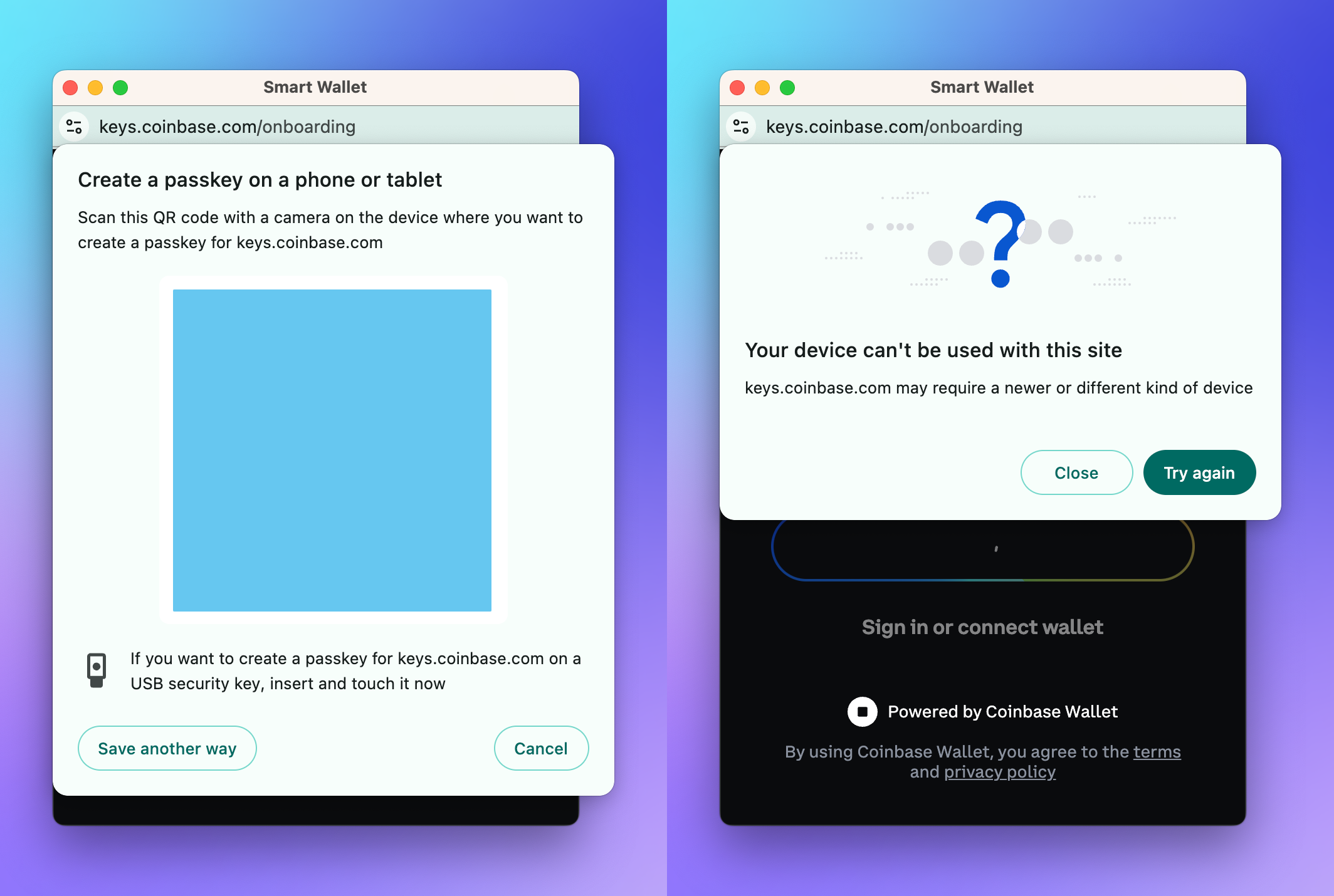
Start by installing your chosen passkey-enabled wallet from the official app store or web interface. Launch the application and locate the option to create a new account. Look for the specific "Create with Passkey" or "Sign in with Passkey" button, which distinguishes this method from traditional email or seed phrase setups.
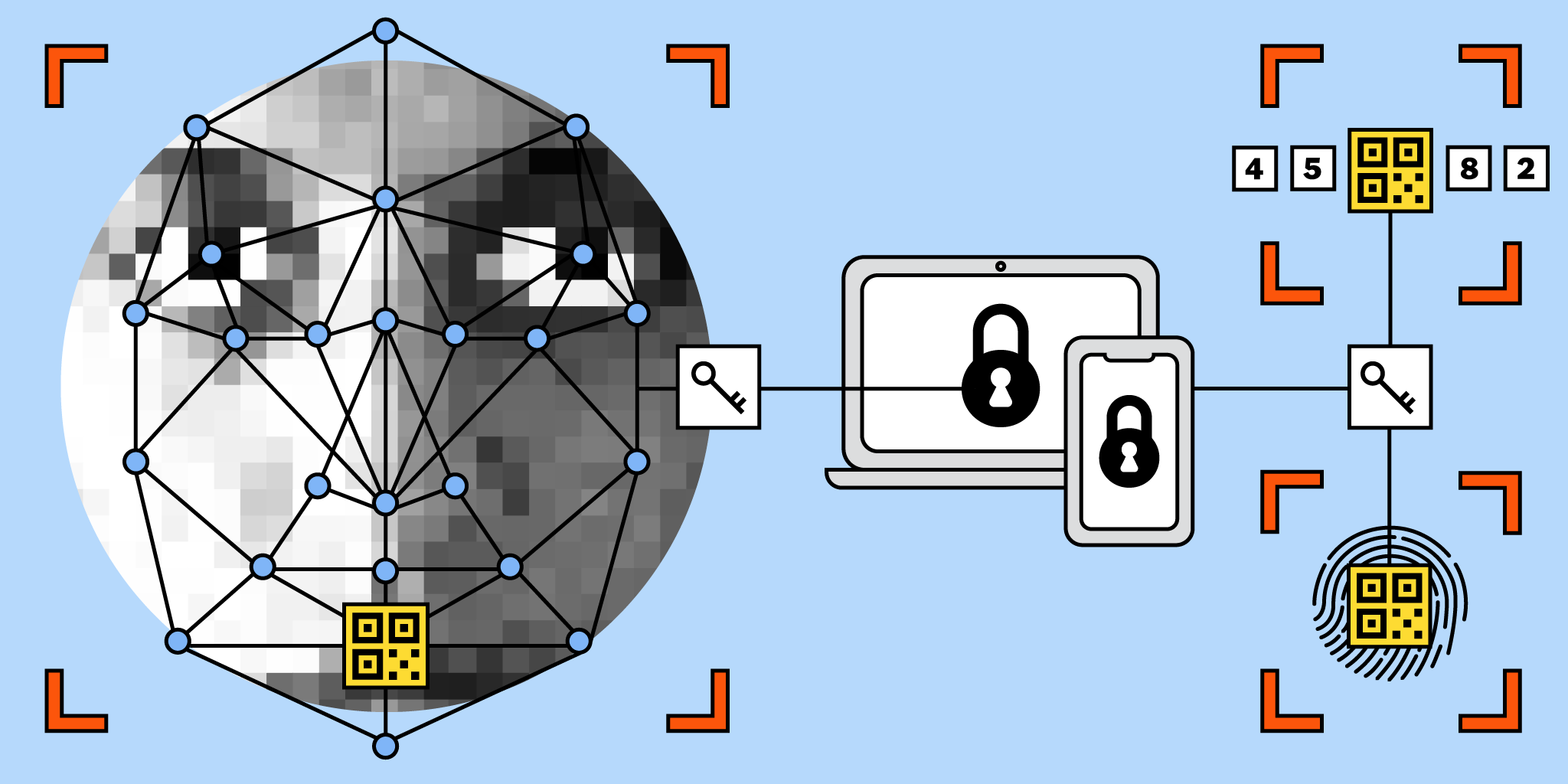
Your device will prompt you to verify your identity using FaceID, TouchID, or your system PIN. This step is critical because it binds the cryptographic key pair to your device’s secure enclave. Do not skip this verification; it ensures that only you can authorize transactions or access the wallet.
Once authenticated, the app will generate a unique public key and register it with the wallet provider. You will receive a confirmation screen indicating that your passkey wallet is active. At this point, you can begin funding your account or connecting to decentralized applications, knowing your access is secured by biometrics rather than a recoverable seed phrase.
Secure and recover your passkey
Once your passkey wallet is active, your assets are protected by the hardware on your primary device. However, losing that device or resetting it to factory settings can lock you out of your crypto. Unlike traditional seed phrases that live in a notebook, passkeys are tied to specific devices and cloud-synced accounts. You must verify that your backup strategy is robust before you need it.
Verify device backup and sync
Your passkey security depends on how your operating system handles authentication data. Apple devices store passkeys in iCloud Keychain, while Android devices use Google Password Manager. Both systems encrypt this data and sync it across your logged-in devices.
Ensure you are signed into your primary Apple ID or Google Account on the device holding your passkey. If you use a secondary device, such as a tablet or a work laptop, sign in to the same account there. This creates the redundancy needed to access your wallet if your phone is lost or damaged.
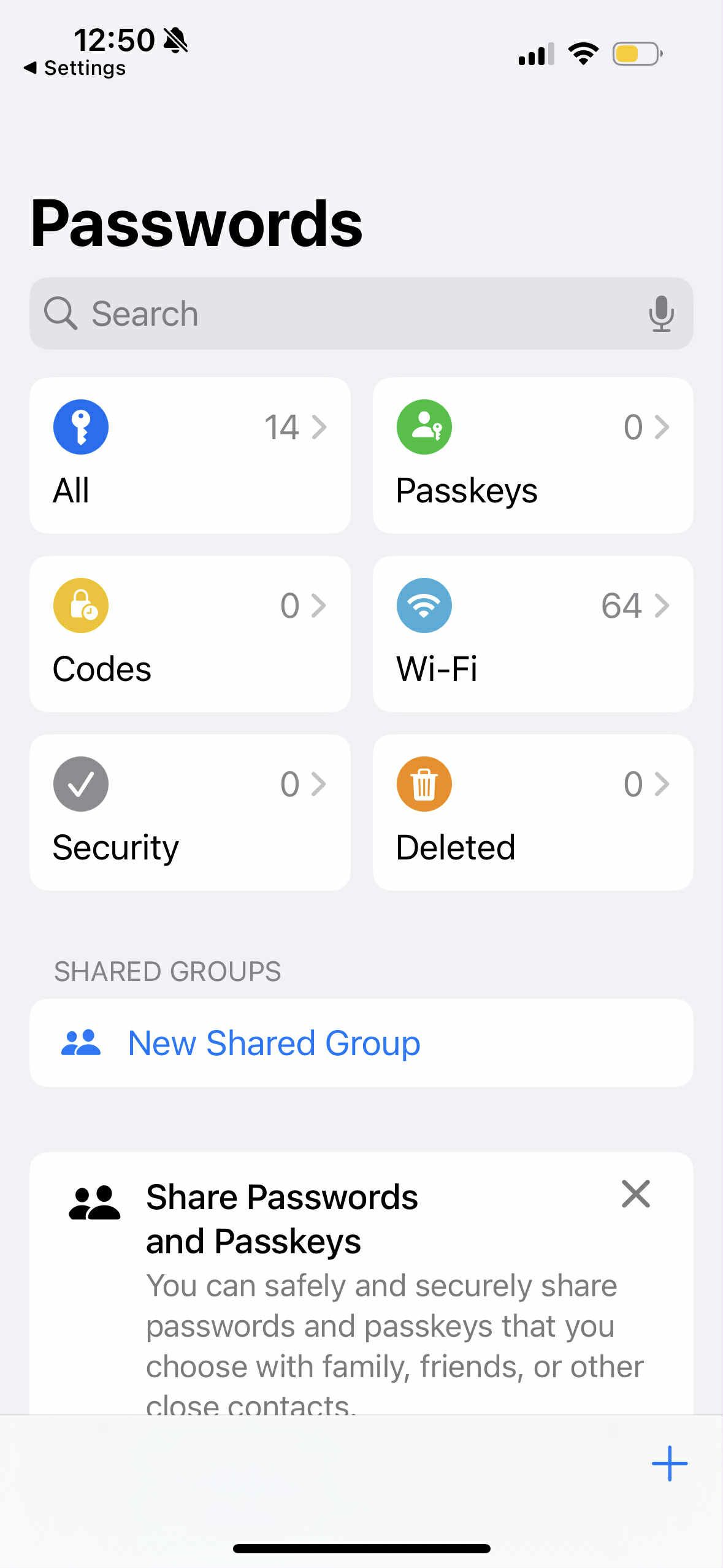
Open your device settings and navigate to the password or security section. Verify that iCloud Keychain (iOS/macOS) or Google Password Manager (Android) is turned on. This ensures your biometric keys are replicated to your other trusted devices.
Log out of your passkey wallet app on your primary device. Then, open the app on your secondary device and attempt to sign in. Select your passkey from the list and authenticate with your fingerprint or face scan. A successful login confirms your recovery path works.
Create a manual recovery backup
While cloud sync is convenient, it relies on your cloud account remaining accessible. If you lose access to your Apple ID or Google account, you lose your passkeys. To mitigate this "single point of failure," you should create a manual backup.
Most passkey wallets offer a "Recovery Phrase" or "Backup Code" feature during setup or in the security settings. This is a string of words or characters that allows you to recreate your passkey on a new device. Write this code down on paper and store it in a secure physical location, such as a safe deposit box or a fireproof safe at home. Do not store this code digitally in a notes app or email.
-
Verify iCloud Keychain or Google Password Manager is active
-
Test passkey login on a secondary logged-in device
-
Generate and write down the wallet's manual recovery phrase
-
Store the physical recovery phrase in a secure offline location
Manage device trust securely
As you add more devices to your sync ecosystem, you expand your attack surface. Each logged-in device is a potential entry point if compromised. Regularly audit which devices have access to your passkeys.
On iOS, go to Settings > Passwords > Passkey Access. On Android, check Google Password Manager settings. Remove any devices you no longer use, such as old tablets or retired laptops. This ensures that only your current, secure hardware can authenticate your crypto transactions.
No comments yet. Be the first to share your thoughts!