
Get passkey wallets 2026 right
Passkeys rely on the FIDO2 standard to bind your device’s biometric or PIN authentication to a specific service. Before you set up a passkey wallet, you must verify that your device supports the underlying cryptographic primitives. This means checking for a secure element or trusted platform module, enabling biometric authentication, and ensuring your operating system is current. Without these prerequisites, the passkey will fail to generate or sync properly.
The ecosystem is now mature, with over 5 billion passkeys in active use globally. However, compatibility varies by platform. Apple, Google, and Microsoft have different implementation details for how they store and share these credentials. You need to choose a wallet that aligns with your primary device. A wallet that works seamlessly on iOS might not export keys to an Android device without significant friction.
Consider your backup strategy. Passkeys are not just passwords; they are cryptographic keys stored on your hardware. If you lose your device, you need a recovery method that doesn’t rely solely on a single cloud provider. Look for wallets that offer cross-device sync via your account credentials or provide a secure, recoverable backup key. This ensures you don’t lock yourself out of your assets if your phone is lost or stolen.
Finally, test the setup process before relying on it for high-value transactions. Create a test account on a minor service to verify the entire flow: creation, storage, and retrieval. This simple check reveals any configuration issues early, saving you from potential lockouts when you need access most.
Set up your passkey wallet
You need a device that supports biometric authentication and a compatible wallet application. This setup process mirrors how you unlock your phone, but it secures your digital assets instead. Most modern smartphones and laptops handle the heavy lifting of cryptography, so you only need to configure the software side.
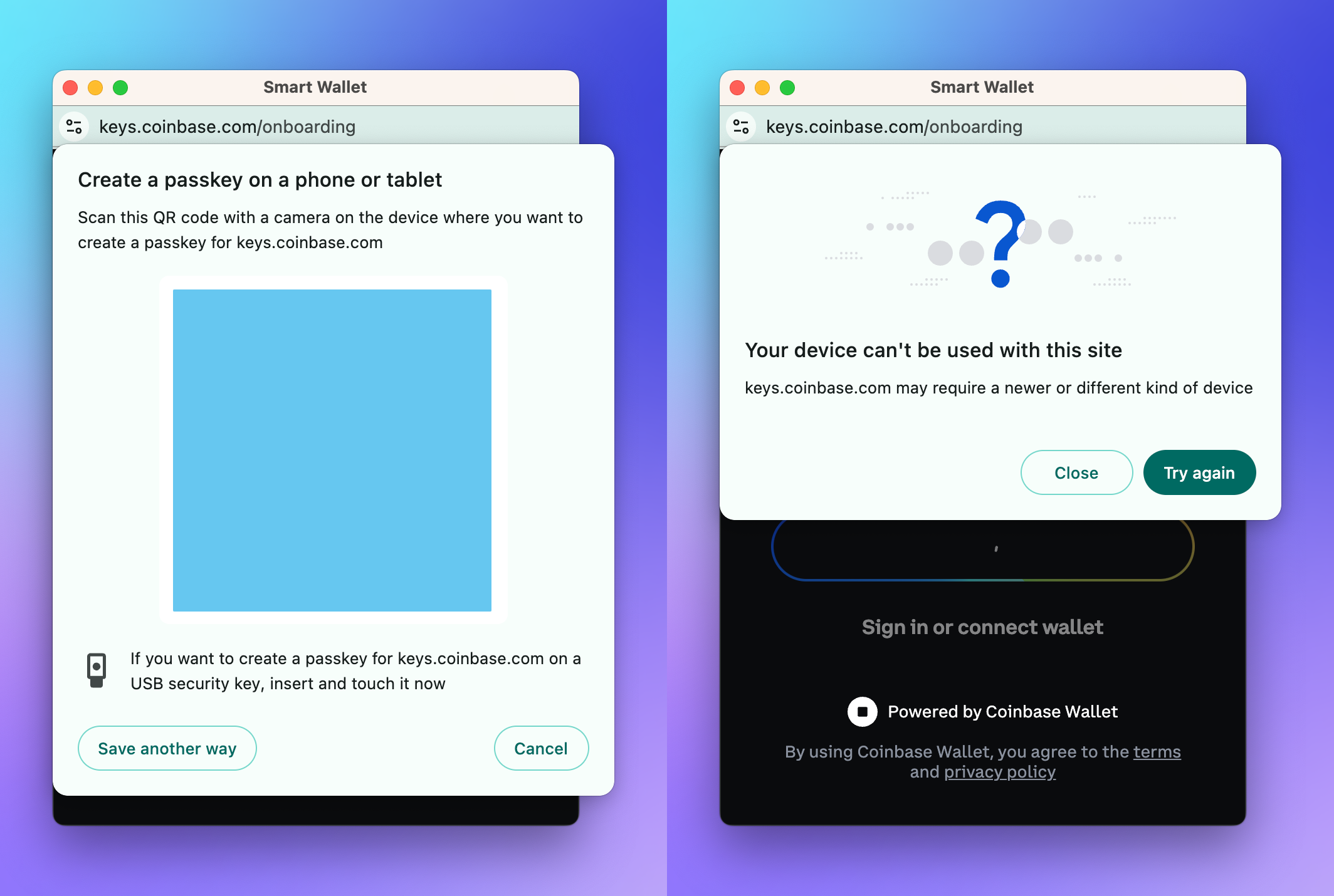
Open your device settings and navigate to the security or privacy section. Register your fingerprint or face scan. This step creates the local cryptographic key pair that will eventually sign your transactions. Without this local lock, the passkey has no secure anchor.
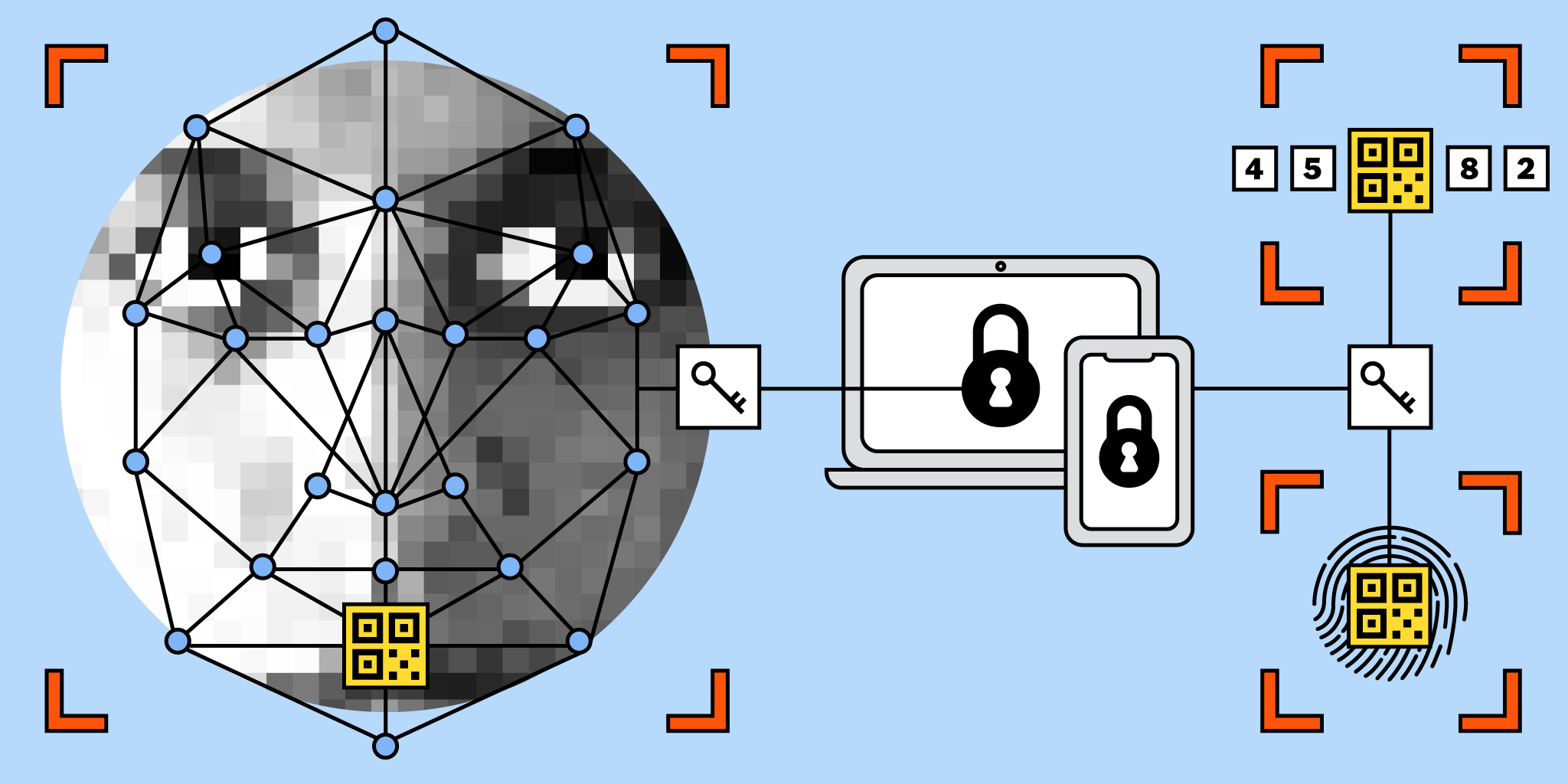
Download a wallet that explicitly supports FIDO2 passkeys. Look for apps that mention "passwordless" or "biometric login" in their features. Avoid generic password managers unless they have a dedicated crypto wallet module. The wallet must be able to store the private key securely on your device or in your cloud account.
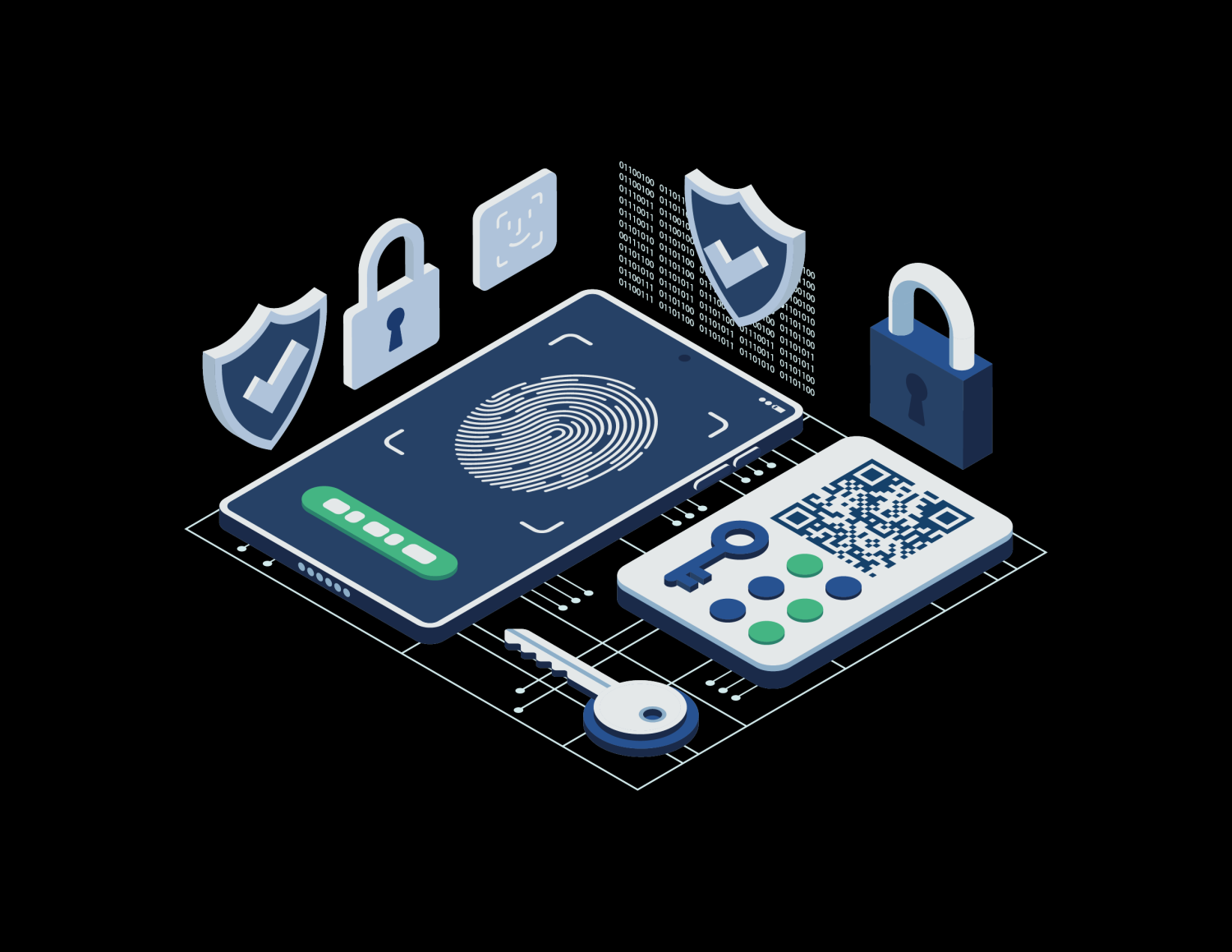
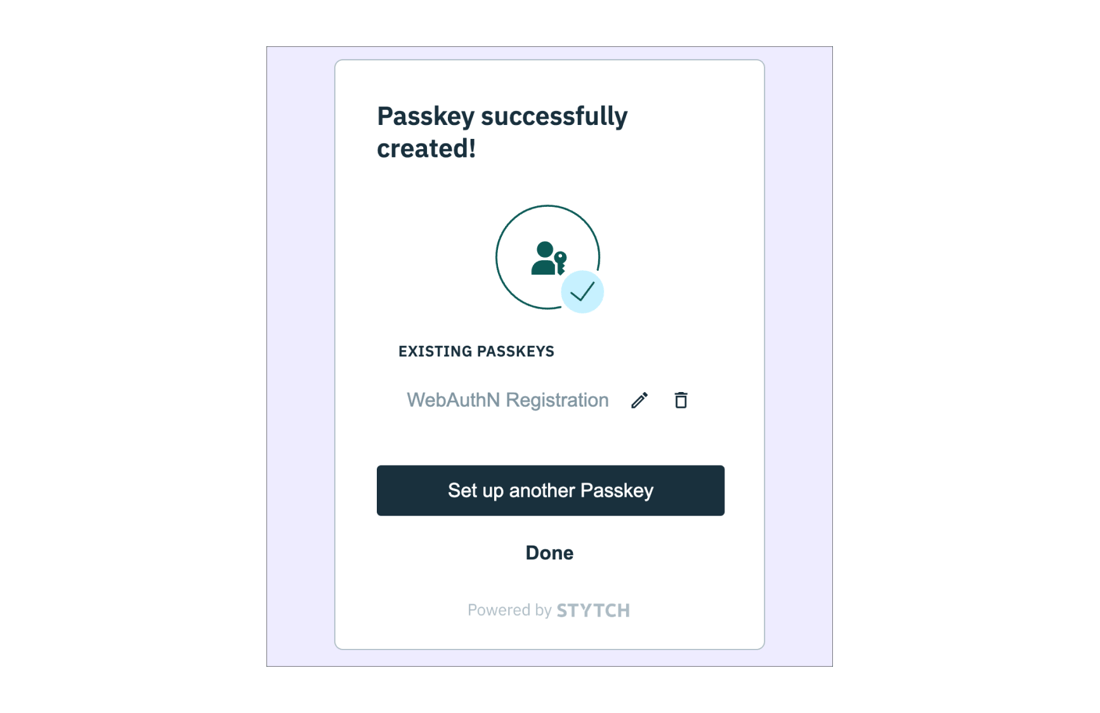
Launch the wallet and select "Create New Wallet" or "Import." Choose the option to use a passkey for authentication. You will be prompted to verify your biometric identity. Once verified, the wallet generates a unique public-private key pair. The public key is registered with the wallet provider, while the private key stays on your device.
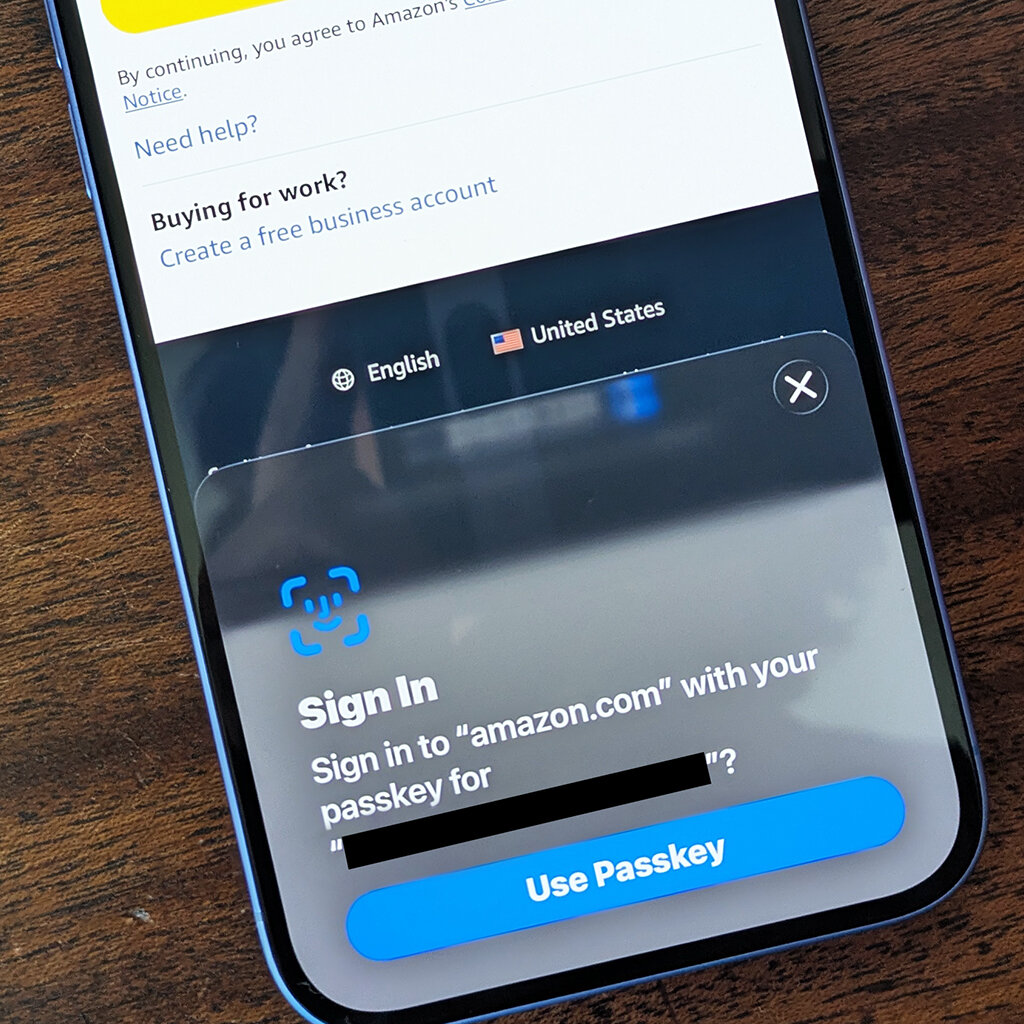
Even with biometrics, you need a recovery method. The wallet will display a 12 or 24-word seed phrase. Write this down on paper and store it in a safe place. This phrase is your only way to recover access if you lose your device or change phones. Do not store this digitally in a notes app or email.
Log out of the wallet and log back in using your fingerprint or face scan. Verify that the transaction signing process works smoothly. If the biometric prompt fails, check your device's biometric settings. A successful test confirms that your passkey is correctly linked to your wallet identity.
Fix common mistakes
Even with biometric security, users still lose access or expose their keys through simple errors. Most failures stem from how the wallet handles device changes, cloud backups, and credential management. Avoid these pitfalls to keep your passkeys secure and accessible.
Ignoring Device Transfer Protocols
Passkeys are tied to the device that created them. If you switch phones or computers, the old key stays behind unless you explicitly migrate it. Many wallets now support cross-device sync via iCloud Keychain or Google Password Manager, but this must be enabled manually. Without it, a lost device means a locked account.
Skipping Backup Verification
Cloud-backed passkeys are convenient but fragile if the backup account is compromised or locked. Verify that your secondary device or cloud account is active and accessible. A common mistake is assuming "set and forget" works; if you lose access to your iCloud or Google account, you lose the passkey. Test recovery steps before you need them.
Using Weak Biometric Settings
Not all biometric sensors are equal. Fingerprint scanners on older devices can be spoofed or fail frequently. Face ID is generally more secure but relies on line-of-sight. Ensure your wallet app requires re-authentication for sensitive actions, not just login. Some apps let you disable biometrics for convenience, which defeats the purpose of passkeys.
Neglecting Credential Management
Passkeys accumulate quickly. Users often lose track of which passkeys exist for which services. Use your device’s built-in password manager to review and delete unused credentials. Regular audits prevent clutter and reduce the attack surface if a device is compromised.
Passkey wallets 2026: what to check next
Passkey wallets represent a shift from memorized secrets to biometric keys. As adoption grows, practical concerns about security, usability, and device compatibility emerge. Here are direct answers to the most common questions readers face when deciding whether to switch.
What are passkey wallets?
A passkey wallet replaces traditional passwords with a pair of cryptographic keys: a public key stored on the service and a private key stored on your device. Authentication happens using biometrics like Face ID or a fingerprint, or a PIN. The private key never leaves your device, making it immune to server-side breaches. This technology, standardized under WebAuthn, is now deployed by major payment processors and crypto platforms.
Can a passkey get hacked?
Passkeys are significantly harder to compromise than passwords because they use public-key cryptography. A passkey cannot be phished or guessed. Even if a website is breached, attackers only steal the public key, which is useless without the private key stored securely on your device. The primary risk is physical theft of an unlocked device, which is why biometric locks and device PINs are essential complements to passkey security.
Why is passkey no longer valid?
The premise of this question is incorrect; passkeys are not invalid. In fact, 2026 marks a tipping point for global adoption, with over 5 billion passkeys now in active use. Major platforms like Visa, Mastercard, and PayPal have integrated passkey authentication. If you encounter an error, it is likely due to browser incompatibility or a specific platform that has not yet updated its authentication infrastructure, not a flaw in the passkey standard itself.
What is the best wallet for men in 2026?
This question conflates physical goods with digital security. If you are looking for a physical minimalist wallet, brands like Bellroy and Ekster are frequently cited in 2026 reviews for their slim profiles and durability. However, if you are asking about the best digital passkey wallet for crypto or account security, the "best" choice is typically the native wallet provided by your device manufacturer (Apple Wallet or Google Wallet) due to their deep hardware-level security integration.
No comments yet. Be the first to share your thoughts!