
What is a passkey wallet
A passkey wallet is a Web3 smart account that replaces traditional seed phrases with biometric authentication methods like FaceID or TouchID. Instead of memorizing a 12-word recovery string, the wallet generates a unique cryptographic key pair using FIDO2 and WebAuthn standards. This approach shifts the burden of security from human memory to device hardware.
The private key never leaves your device. When you need to sign a transaction, the hardware security module (HSM) performs the cryptographic operation internally. Your biometric data verifies your identity locally, and only the digital signature is sent to the blockchain. This design prevents phishing attacks because the private key is never exposed to the browser or app interface.
By integrating with the Passkeys Foundation’s open standards, these wallets ensure interoperability across different platforms and services. You can use the same biometric unlock method for your crypto assets as you do for your email or banking apps, creating a unified and secure digital identity.
Choose a passkey-enabled wallet
Selecting the right passkey wallet depends on whether you need a standalone application or an embedded solution for a specific platform. The choice determines how you manage your keys and which devices you can use to sign in.
Standalone apps
Standalone wallets like Exodus offer a familiar interface where you manage your assets directly. These apps run independently of any specific dApp or website. You install the wallet, set up your passkey using your device’s biometrics or PIN, and then use it to sign transactions across multiple services. This approach gives you full control over your interface and backup options.
Embedded SDKs
Embedded passkeys are integrated directly into a platform’s login flow using SDKs. Coinbase’s Base wallet is a prime example, using passkeys to authenticate users without requiring a separate password or recovery phrase. This method reduces friction because the wallet is built into the ecosystem you are already using. It is ideal for users who want a seamless experience without managing multiple separate applications.
Comparison of options
The table below compares the primary differences between standalone and embedded passkey wallets.
| Feature | Standalone App | Embedded SDK |
|---|---|---|
| Setup | Download and install | Integrated into platform |
| Seed Phrase | Often required for backup | Usually eliminated |
| Biometric Support | Yes (Face ID, Touch ID) | Yes (Device native) |
| Platform Availability | Cross-platform apps | Specific to platform |
Checklist for selection
Before finalizing your choice, verify the following:
-
Biometric compatibility: Ensure your device supports the biometric method (Face ID, Touch ID, or Windows Hello) you prefer.
-
Backup requirements: Confirm if the wallet requires a seed phrase for recovery or if the passkey itself is sufficient.
-
Platform support: Check if the wallet is available on your operating system (iOS, Android, Windows, macOS).
-
dApp integration: Verify that the wallet supports the specific decentralized applications you plan to use.
-
Verify biometric compatibility on your device
-
Check backup requirements for seed phrases
-
Confirm platform availability for your OS
-
Test dApp integration with your target sites
Create your passkey account
Setting up a passkey wallet removes the need for traditional passwords and seed phrases. Instead, the wallet uses your device’s biometric authentication—such as Face ID or Touch ID—to generate and store a cryptographic key pair. This process anchors your crypto identity to your hardware, making it significantly harder for attackers to steal your funds through phishing or database breaches.
Follow these steps to initialize your passkey wallet securely.
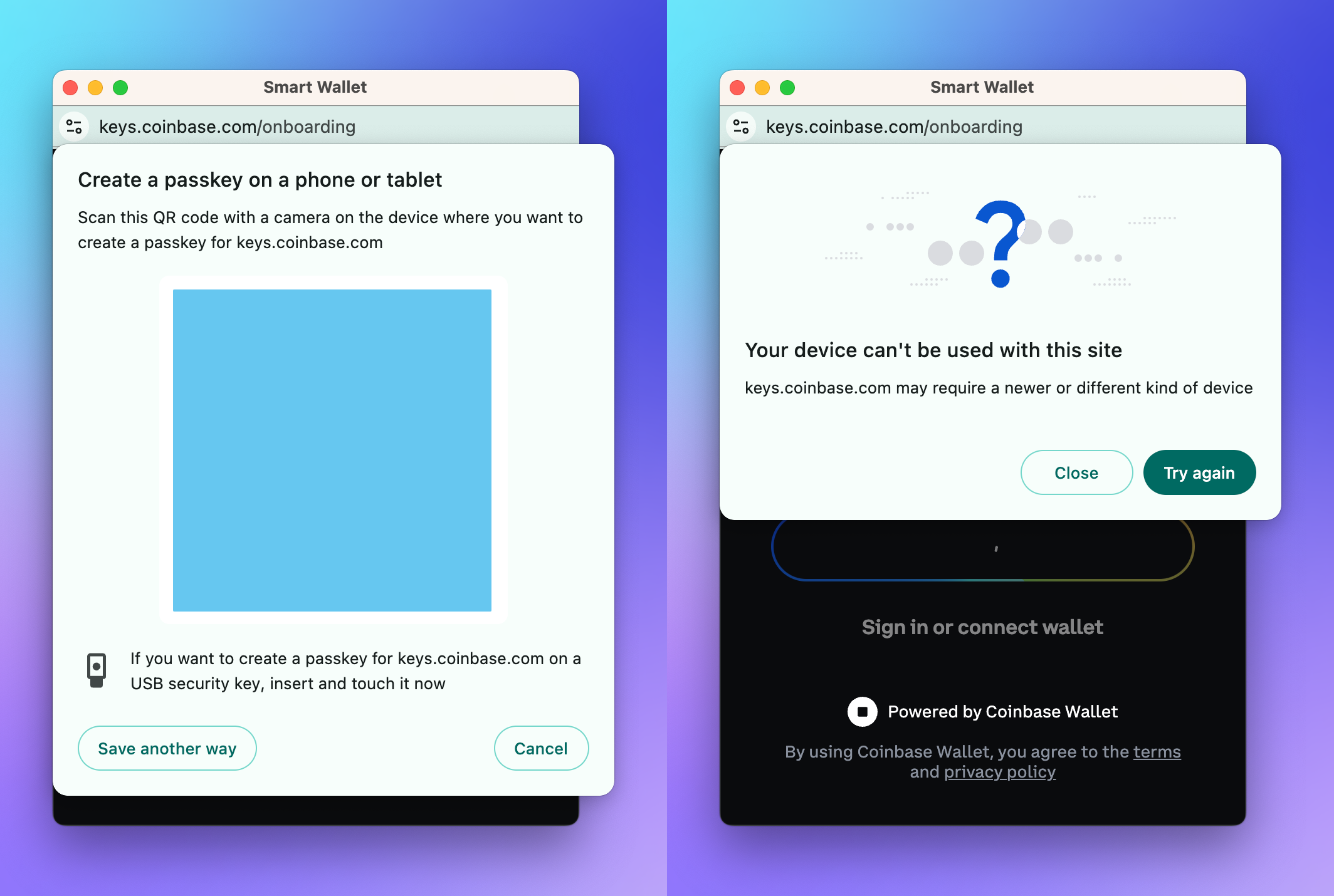
Begin by downloading the official wallet application from your device’s trusted app store. Ensure you are installing the authentic software from a verified developer to avoid malicious clones. Open the app and select the option to create a new account.
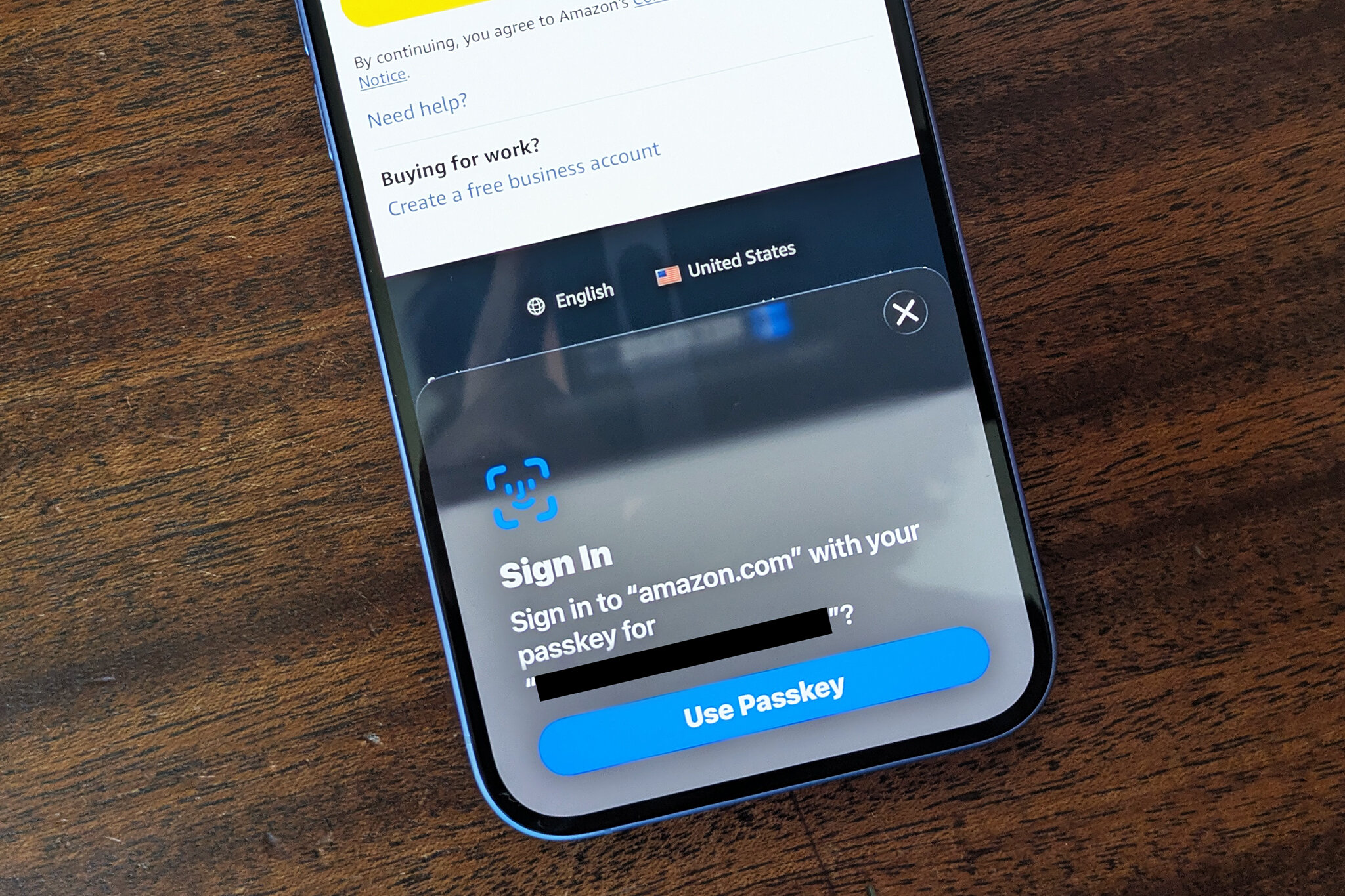
During the onboarding flow, choose the passkey creation method. You will see an option labeled "Create with Passkey" or "Use Biometrics." Select this option to initiate the cryptographic key generation. This step signals the operating system to prepare for a secure, passwordless authentication event.
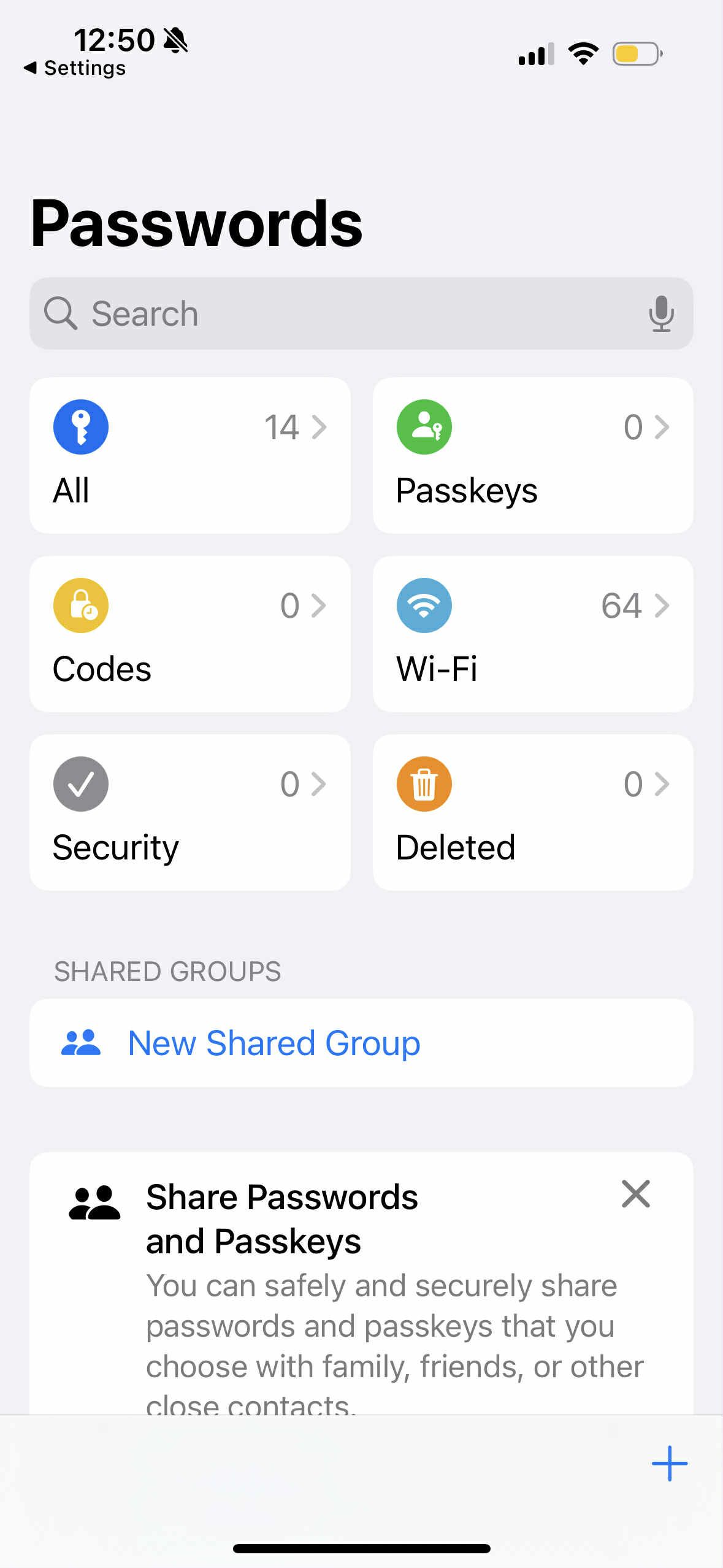
Your device will prompt you to verify your identity using your fingerprint, face, or screen lock PIN. This biometric check is not just a login; it is the cryptographic signature that binds your private key to your specific device hardware. Once authenticated, the wallet generates a unique public-private key pair.
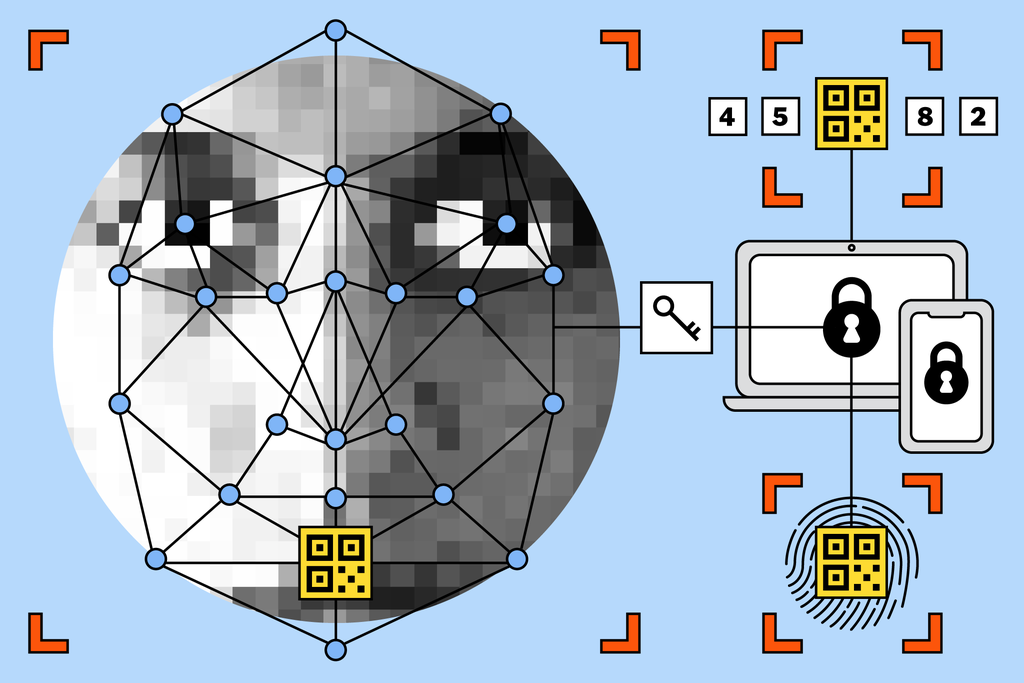
The wallet will display your new public key address. Verify that this address is saved correctly in your account settings. Unlike a seed phrase, you do not need to write this down. The private key remains encrypted on your device, accessible only through your biometric authentication. You can now use this address to receive assets or connect to dApps.
By following this sequence, you establish a passwordless security layer that eliminates the risk of seed phrase theft. Your passkey wallet is now ready for use, offering a more secure alternative to traditional crypto storage methods.
Secure and recover your access
Passkeys change the recovery game entirely. Instead of writing down a 12-word seed phrase, your wallet relies on your device’s biometric or PIN authentication to prove ownership. This makes setup easier but shifts the risk to device loss. If you lose your phone, you cannot simply type in a backup phrase to regain access.
Your ability to recover depends on the wallet provider’s cloud backup policy. Some wallets, like Coinbase’s Base Smart Wallet, sync passkeys to your iCloud or Google account. Others may require manual backup steps or linked email verification. Always check the provider’s documentation to understand exactly where your keys are stored.
To stay safe, treat your device as the primary key. Enable cloud backups if available, and consider setting up a secondary device as a backup method. This ensures you have a way back in if your primary phone is lost or stolen.
Common passkey wallet mistakes
A passkey wallet replaces traditional seed phrases with biometric authentication, storing your P-256 key in dedicated tamper-resistant hardware. This architecture offers superior phishing resistance, but it introduces specific risks when the physical device is compromised or lost. Understanding these pitfalls is essential for maintaining true passwordless security.
Losing the device without recovery
The most critical mistake is assuming a passkey is immune to loss. Unlike a paper seed phrase that lives independently of your phone, a passkey is tied to the device’s secure enclave. If you lose your phone and haven’t configured cross-device recovery or cloud backups, you may permanently lose access to your wallet. Always verify that your recovery options are active before relying on the passkey as your sole access method.
Ignoring device security hygiene
Biometrics are convenient, but they are only as strong as the device protecting them. If an attacker gains physical access to your unlocked phone, they can bypass biometric checks to authorize transactions. Keep your device locked when not in use, and ensure your screen lock (PIN or pattern) is robust. The passkey wallet does not protect you from a physically compromised device.
Misunderstanding phishing resistance
Passkeys are designed to be phishing-resistant because they use cryptographic challenge-response mechanisms tied to the specific domain. However, this protection only works if you verify the URL. If you enter your passkey credentials on a fake site that mimics a legitimate exchange, the passkey will not authenticate, but the confusion can lead to social engineering attacks. Always check the domain name carefully.
No comments yet. Be the first to share your thoughts!