
What makes a passkey wallet different
A passkey wallet is a WebAuthn-native smart account that uses biometric authentication instead of a 12-word recovery phrase. Instead of memorizing a secret, you sign transactions using FaceID, TouchID, or a device PIN. The private key remains stored in your device’s secure hardware module, and the public key is registered with the blockchain via account abstraction.
This shift changes the user experience from fragile memory to hardware-backed security. When you sign a transaction, your device generates a cryptographic signature using the private key stored in the secure enclave. The signature is verified by the smart contract on-chain, which recognizes the public key associated with your passkey. This process is identical to how you log into websites today, but applied to crypto assets.
The security model is fundamentally different. Seed phrases are vulnerable to physical theft, phishing, and user error. Passkeys are tied to the device itself. If you lose your phone, you recover access through your existing account recovery methods, such as iCloud Keychain or Google Account recovery, rather than by writing down a phrase. This eliminates the single point of failure that has caused billions in losses.
Live Market Context
The adoption of passkey wallets is growing as users seek better security and ease of use. Ethereum continues to be the primary network for smart account implementations due to its robust ecosystem of account abstraction standards.
This architecture allows for features like social recovery and session keys, which are difficult or impossible to implement with traditional EOAs. The result is a wallet that feels like a modern app, not a cryptographic vault.
Biometric login security and phishing resistance
Passkey wallets move the private key out of the cloud and into the secure hardware module on your device. This local storage is the foundation of their security. Unlike traditional password managers that store a shared secret, passkeys use public-key cryptography. The private key never leaves the device, and the biometric data—your fingerprint or face scan—never leaves the hardware either.
This architecture eliminates the most common attack vector in Web3: phishing. When you attempt to connect a passkey wallet to a fake website, the browser’s WebAuthn standard blocks the interaction. The private key is cryptographically bound to the specific domain. A phishing site cannot trick your device into signing a transaction because the domain name will not match. You might be entering the same credentials, but the cryptographic context remains safe.
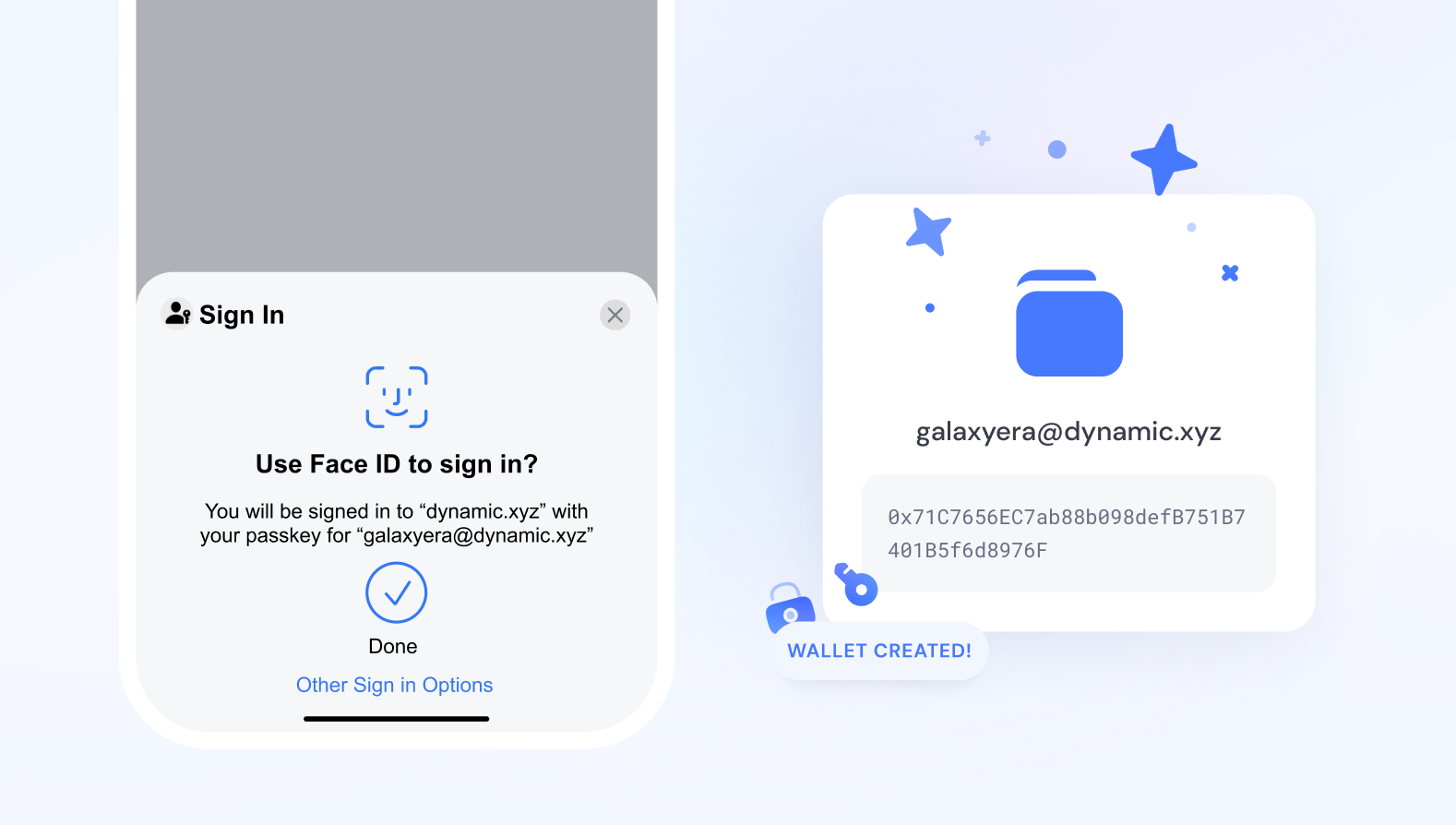
The difference between these systems is fundamental. Traditional passwords are static secrets that can be copied, stolen, or phished. Passkeys are dynamic cryptographic proofs that exist only on your device. This shift from shared secrets to local key storage makes phishing attacks technically impossible for passkey-backed transactions, offering a level of security that standard passwords simply cannot match.
Cross-device passkey sync capabilities
The promise of a passkey wallet is that your private keys never leave your biometric ecosystem, yet your assets remain accessible when you switch phones or move to a desktop. This creates a tension: how do you access a wallet on a new device without a seed phrase to recover it? The answer lies in how different providers handle key distribution across hardware boundaries.
Most modern passkey implementations rely on the WebAuthn standard, which ties the cryptographic key pair to a specific device’s secure enclave. When you buy a new phone, your old passkey doesn’t automatically transfer because the new device has no record of the original biometric binding. To solve this, providers use two main methods: cloud key sharing and QR code handoffs.
Cloud key sharing allows your biometric credentials to be stored in an encrypted format within your iCloud Keychain or Google Password Manager. When you set up a new device and sign in with the same account, the provider decrypts the necessary keys and binds them to the new device’s hardware. This is seamless for Apple and Google users but requires trusting a third-party cloud infrastructure to manage the decryption keys.
For users who prefer a more direct, peer-to-peer approach, QR code handoffs offer a secure alternative. Instead of relying on a cloud backup, you scan a code from your old device to authorize the new one. This method ensures that no third-party server ever holds the decryption material, keeping the process strictly between your two devices. Both methods maintain security by requiring biometric verification on the new device before any keys are released.
The choice between cloud sync and manual handoff often depends on your risk tolerance. Cloud sync offers convenience at the cost of trusting a provider’s encryption implementation, while handoffs offer greater self-sovereignty but require active participation during device swaps. As the passkey wallet market matures, expect these protocols to standardize, making cross-device access as frictionless as logging into an email account.
Top passkey wallet implementations in 2026
The market for passkey-native wallets has matured from experimental prototypes to production-ready tools. In 2026, the leading implementations prioritize seamless onboarding through biometric authentication while abstracting away the complexity of key management. These wallets leverage account abstraction to offer features like social recovery and gasless transactions, making them the most accessible entry point for new users.
Below is a comparison of the most prominent passkey wallet solutions currently available, evaluated on their chain support, onboarding mechanics, and underlying infrastructure.
| Wallet | Primary Chains | Onboarding | Infrastructure |
|---|---|---|---|
| Coinbase Smart Wallet | Ethereum, Base, Polygon | Biometric passkey via Coinbase account | Coinbase (Account Abstraction) |
| Exodus Passkey Wallet | Ethereum, Solana, Bitcoin, BSC | One-click biometric creation | Exodus (Proprietary) |
| Passkey Wallet (Openfort) | Ethereum, Polygon, Arbitrum | WebAuthn integration for developers | Openfort (API/SDK) |
Coinbase Smart Wallet
Coinbase’s Smart Wallet represents the most mainstream adoption of passkey technology, integrating directly with the Coinbase app ecosystem. It uses biometric authentication, allowing users to sign transactions using Face ID or Touch ID. The wallet operates on an account abstraction model, which enables features like session keys and sponsored gas fees. It currently supports major EVM chains including Ethereum, Base, and Polygon, making it a robust choice for users deeply embedded in the Coinbase ecosystem.
Exodus Passkey Wallet
Exodus has extended its popular multi-chain interface to include passkey support, aiming to simplify onboarding for its existing user base. This implementation allows users to create a wallet in one click without email verification or key storage. By supporting a wide array of chains including Bitcoin, Solana, and Ethereum, Exodus leverages its existing infrastructure to offer a unified experience. The biometric security is handled locally on the device, maintaining the non-custodial nature of the wallet while removing the friction of traditional key management.
Openfort-Based Solutions
Openfort provides the underlying infrastructure for many newer, developer-focused passkey wallets. Rather than a single consumer-facing product, Openfort offers an API and SDK that allows projects to integrate passkey authentication directly into their applications. This approach is ideal for decentralized applications (dApps) that want to offer web2-style onboarding without managing wallet infrastructure. Supported chains typically include Ethereum, Polygon, and Arbitrum, depending on the specific implementation by the integrating project.
Choosing the Right Implementation
The choice between these wallets depends on your primary use case. If you are an active trader within the Coinbase ecosystem, the Smart Wallet offers the most integrated experience. For users who need broad asset support across non-EVM chains like Bitcoin and Solana, Exodus provides a familiar interface with modern security. Developers or those seeking the most flexible, infrastructure-level control should look toward Openfort-based solutions, which offer the greatest customization for specific chain and security requirements.
Frequently asked questions about passkeys
What is a passkey wallet?
A passkey wallet is a Web3 smart account that uses biometric authentication methods like FaceID or TouchID. By using WebAuthn and account abstraction, these wallets simplify onboarding and improve security by removing the need to memorize or store a 12-word secret phrase.
How do I access a passkey?
Accessing a passkey wallet follows a standard authentication flow. First, enter your username on the login page. Next, select the option to use a passkey. You may need to scan a QR code with your phone’s camera. Finally, verify your identity on the mobile device using your fingerprint, face unlock, or PIN.
What happens if I lose my device?
Passkeys are typically synced to your cloud account (such as iCloud Keychain or Google Password Manager). If you lose your phone, you can recover access by verifying your identity on a new device through your existing cloud provider, ensuring you never lose your wallet due to hardware failure.
No comments yet. Be the first to share your thoughts!