
The shift to seedless crypto in 2026
The crypto industry is undergoing its most significant infrastructure change since the invention of the seed phrase itself. For nearly a decade, users have been forced to memorize or physically store a 12- to 24-word string of random words to access their digital assets. This method, while secure in theory, has proven disastrous in practice. Lost phrases mean lost funds, and digital storage of those phrases creates new attack vectors for hackers. By 2026, the industry is pivoting away from this fragile model toward passkeys, leveraging the same biometric and device-based authentication standards that already secure billions of everyday logins.
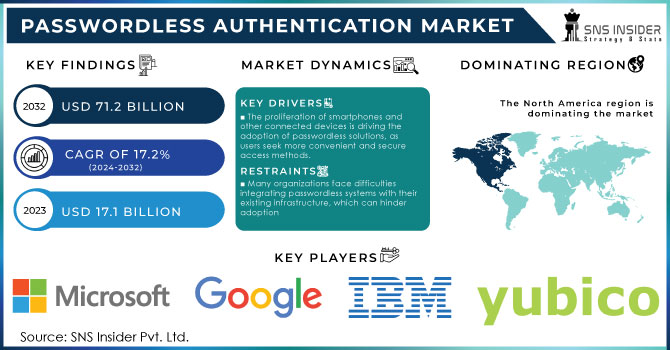
The momentum behind this shift is no longer theoretical; it is measurable. According to Andrew Shikiar, CEO of the FIDO Alliance, over 4 billion passkeys are now securing sign-ins globally across major platforms. This scale demonstrates that the underlying technology is mature, trusted, and ready for high-value financial applications. The transition to seedless crypto wallets is not just about convenience; it is about adopting a standard that has already solved the "password fatigue" problem for the broader internet.
Passkey wallets replace the burden of memory with the reliability of the device itself. Instead of typing out a mnemonic phrase, users authenticate with their fingerprint, face ID, or device PIN. This approach aligns crypto security with the user experience of modern banking apps and social media platforms. The result is a system that is harder for attackers to steal and significantly easier for legitimate users to manage. As major wallets and exchanges begin integrating FIDO2-compliant passkeys, the "seed phrase" is becoming a relic of the early, experimental days of blockchain technology.
The FIDO Alliance's push for this standard highlights a broader industry recognition that security should not come at the cost of usability. By 2026, the majority of new crypto users will likely never encounter a seed phrase at all. They will log in as they do everywhere else: with a glance or a touch. This shift reduces the cognitive load on users and minimizes the human error that has led to billions of dollars in lost crypto assets over the past decade.
How passkey wallets secure your assets
Passkey wallets replace the fragile seed phrase model with a system rooted in the WebAuthn standard, a W3C specification that ties cryptographic keys to your physical device. Instead of storing a recoverable mnemonic offline, your private key never leaves the secure element of your phone or laptop. This architecture shifts the burden of security from your memory to your hardware, creating a barrier that is significantly harder to breach than a traditional password or a handwritten seed phrase.
The security mechanism relies on local biometric verification. When you initiate a transaction, your device demands a fingerprint, face scan, or PIN to authorize the cryptographic signature. This process ensures that even if a malicious actor gains access to your device, they cannot sign transactions without your physical presence. The private key remains encrypted and isolated within the device’s Trusted Execution Environment, inaccessible to operating systems or cloud backups. As noted by the Passkeys Foundation, this approach offers a superior user experience by eliminating the friction of manual key management while maintaining institutional-grade security.
This model also neutralizes phishing, the primary vector for crypto theft. Because the passkey is bound to the specific domain origin, a fake login page cannot trick your device into signing a transaction. The cryptographic handshake fails if the request does not come from the verified application interface. Coinbase Smart Wallet, for example, utilizes WebAuthn passkeys as primary signers, syncing the encrypted key bundle to iCloud Keychain or Google Password Manager only for recovery purposes. This means the actual signing power remains with the device, not the cloud, effectively closing the door on credential-stuffing attacks that have plagued password-based systems for decades.
The hidden risks of platform lock-in
Passkey wallets offer convenience, but they introduce a new category of risk: dependency. When you store your private keys inside a platform’s secure enclave, you are not just choosing a wallet; you are choosing a vendor. This shift from self-custody to delegated custody creates failure modes that seed phrases never presented.
Cross-Platform Incompatibility
The most immediate friction is the inability to move your identity. Passkeys are bound to the operating system that created them. A passkey generated in Apple’s iCloud Keychain is often invisible or unusable within Google’s ecosystem. This fragmentation forces users to maintain multiple wallets for different platforms, defeating the purpose of a unified digital identity. Unlike a seed phrase, which is a portable string of words, a platform-bound passkey is trapped in its origin.
Gas Cost Penalties and Domain Binding
Beyond portability, passkey wallets face structural inefficiencies in transaction execution. Many implementations require complex cryptographic proofs that increase gas costs compared to standard ECDSA signatures. Also, strict domain binding can break functionality on decentralized applications that do not adhere to strict origin policies. Users may find their wallets refusing to sign transactions on legitimate dApps simply because the domain verification fails, creating a frustrating user experience.
The Danger of Delegated Custody
Perhaps the most significant risk is the illusion of security. When Apple or Google holds the private key material, they become the gatekeepers of your assets. If your device is lost, stolen, or locked due to a biometric failure, recovering access can be difficult or impossible without the vendor’s intervention. This centralizes risk. A seed phrase allows recovery through a mnemonic; a passkey requires the continued health of the platform’s infrastructure and your ongoing access to their specific hardware.
Experts identify these as critical failure modes for passkey-only architectures. Solutions like MPC (Multi-Party Computation) hybrids are emerging to mitigate these risks by splitting key shares across platforms, but they are not yet the standard. Until then, users must understand that convenience often comes at the cost of sovereignty.
Setting up a passkey wallet safely
Creating a passkey wallet is straightforward, but the real work happens in the recovery configuration. Unlike traditional seed phrases that sit in a notebook, passkey wallets rely on your device’s secure enclave and cloud backups. If you lose your phone, you need a backup signer to regain access. We will walk through the setup process, focusing on Coinbase Smart Wallet as the primary example, while noting hybrid options like Fibo and ZenGo.
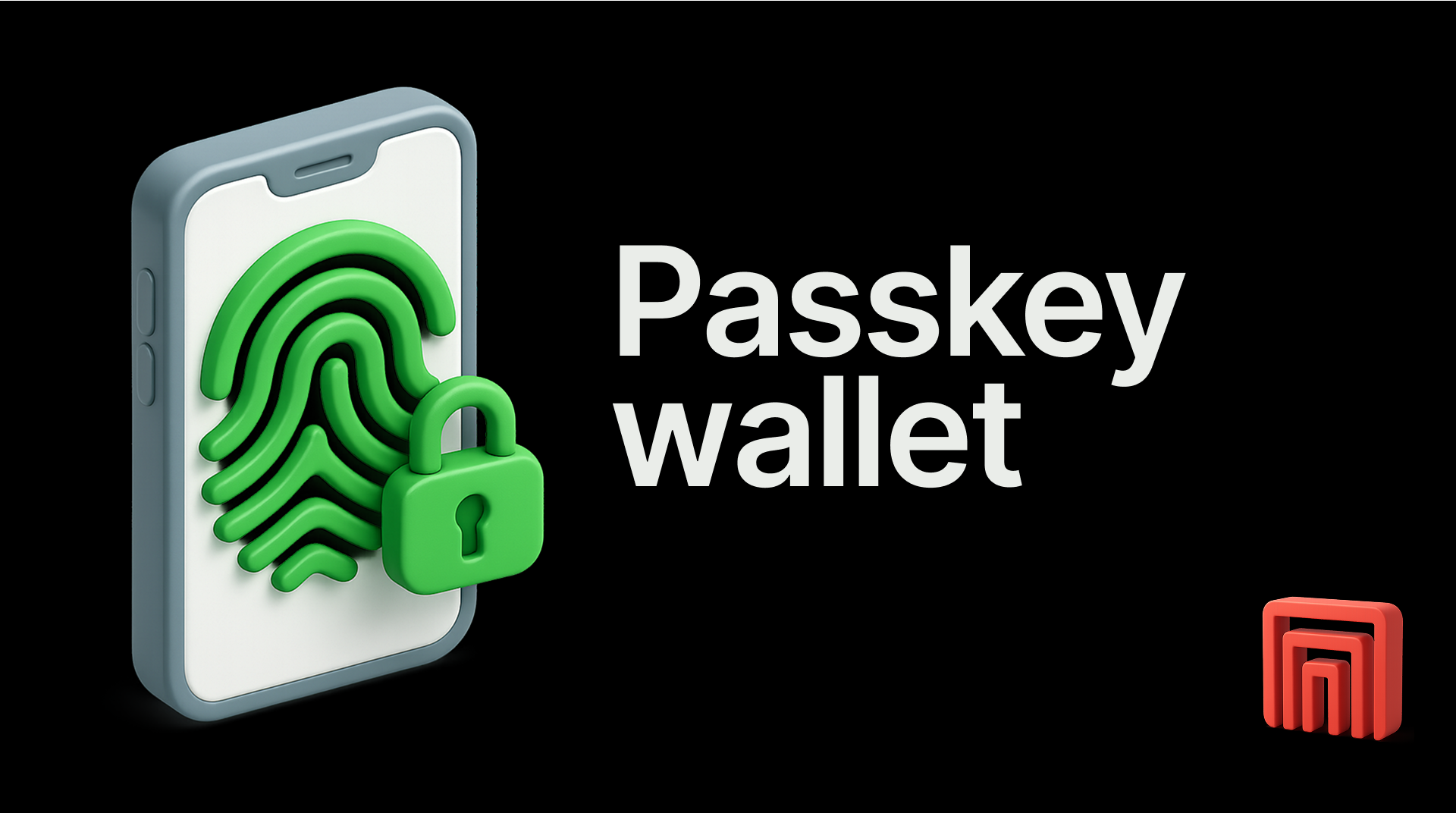
Not all wallets support passkeys yet. Coinbase Smart Wallet is currently the most robust option for social recovery using WebAuthn. For those preferring a non-custodial, biometric-only approach, ZenGo uses MPC technology with a PIN and biometrics, claiming zero hacks since 2018. Fibo offers a hybrid model using TEE and Shamir secret sharing for email-based login. Select a wallet that matches your comfort level with cloud sync versus local storage.
Download the official app from your device’s app store. Open the app and select "Create New Wallet." You will be prompted to set a name for your wallet and agree to the terms of service. This step initializes the local cryptographic keys on your device. Ensure you are on a secure network before proceeding.

The app will ask you to create a passkey. This involves using your device’s biometrics (FaceID, TouchID) or a PIN. This action registers a WebAuthn credential with the wallet provider. For Coinbase Smart Wallet, you can choose to sync this passkey with iCloud Keychain or Google Password Manager. This cloud sync is critical—it acts as your first layer of recovery if your primary device is lost or damaged.
This is the most important step for safety. A passkey alone is not enough if your device is permanently lost. Coinbase Smart Wallet allows you to add "guardians"—trusted contacts who can help recover your wallet. You can also set up a social multisig, requiring multiple signatures for transactions. If you chose ZenGo or Fibo, ensure your backup PIN or secret shares are stored securely offline. Without this, your assets are locked forever if your device fails.
Once the wallet is created and recovery is set up, send a small test transaction to verify everything works. Check that you can sign a transaction using your passkey. Then, attempt to simulate a recovery scenario if the wallet supports it (e.g., logging in from a new device using your cloud-synced passkey). This confirms your setup is functional and secure.
Passkey wallets vs traditional seed phrases
The shift from seed phrases to passkey wallets changes how you own and protect your crypto. Traditional seed phrases rely on you to memorize or store a 12-24 word recovery string. Passkey wallets use your device’s biometrics or screen lock to sign transactions, removing the need for manual key management.
Security differs in where the risk lies. Seed phrases are vulnerable to physical theft, digital skimming, or simple human error if written down carelessly. Passkey wallets keep private keys tied to your device’s secure enclave, making remote theft significantly harder. However, if you lose access to your device and haven’t set up proper backup, recovery can be tricky.
Usability favors passkeys for most users. You sign in with a fingerprint or face scan instead of typing out a long phrase. Recovery is also more intuitive, often involving trusted contacts or social recovery mechanisms rather than deciphering a handwritten note.
Comparison: Security, Recovery, and Usability
Common questions about passkey wallets
Passkeys are changing how we sign in. Instead of typing passwords or guessing weak codes, you use your phone or device to confirm it's really you, using your face or a fingerprint. This simple shift makes crypto wallets more secure and stress-free.
No comments yet. Be the first to share your thoughts!