
What is a passkey wallet
A passkey wallet is a WebAuthn-native smart contract wallet that replaces seed phrases with biometric keys. Instead of memorizing a 12-word recovery phrase, you use your device’s fingerprint, face ID, or PIN to sign transactions. This architecture, built on standards like P-256 and EIP-7212, shifts the burden of security from the user to the device hardware.
The core value proposition is phishing resistance. Because passkeys are bound to the specific domain you are visiting, they cannot be tricked by fake login pages. Even if you enter your credentials on a malicious site, the signature will not be valid for the real application. This makes passkey wallets significantly safer than traditional key-based systems for everyday use.
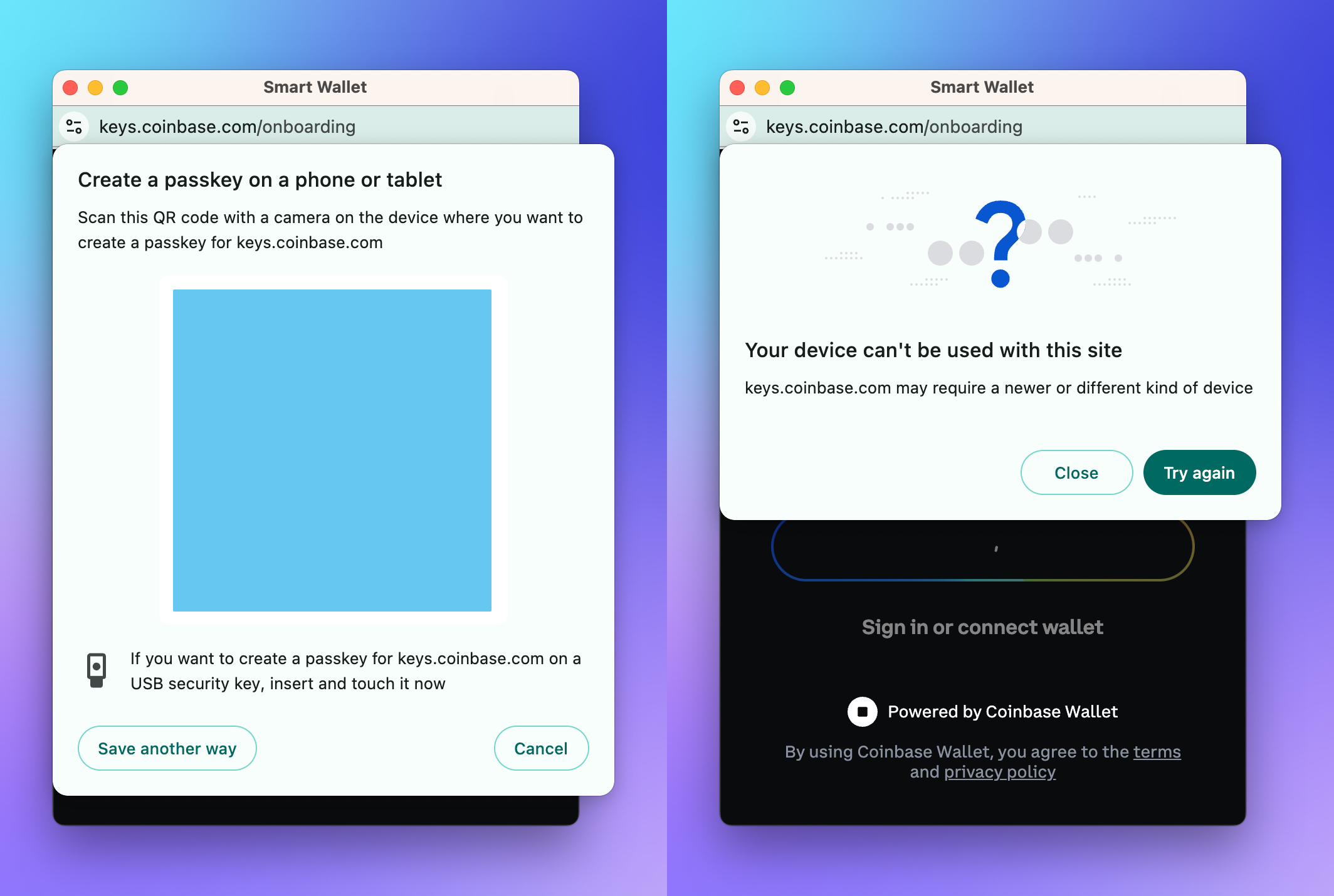
The Passkeys Foundation describes this as the next generation of crypto wallets: simple to deploy with a superior user experience. By leveraging WebAuthn, these wallets remove the friction of key management while maintaining institutional-grade security. You are no longer the sole custodian of your private keys; your device is.
Choose a passkey-compatible wallet
Selecting the right wallet is the first step toward securing your assets without managing seed phrases. Not all passkey wallets are built the same, and the architecture you choose determines whether you retain control or fall victim to platform lock-in. The most critical distinction lies in how the wallet handles key generation and transaction signing.
Platform Independence and Cross-Device Sync
A passkey-only wallet often ties your identity to a single ecosystem, such as Apple or Google. If you switch devices or lose access to your primary biometric sensor, you may lose your funds. To avoid this, prioritize wallets that support cross-platform sync and multi-device access. Look for implementations that store passkeys in a cloud-backed, encrypted vault that allows recovery across iOS, Android, and desktop browsers.
MPC Hybrids and Gas Abstraction
For serious use, consider a Multi-Party Computation (MPC) hybrid wallet. These solutions split the private key across multiple devices or servers, removing the single point of failure inherent in passkey-only models. Additionally, check if the wallet offers gas abstraction. This feature allows transactions to be paid in stablecoins or sponsored by the protocol, removing the friction of holding native tokens for every swap.
Comparison of Leading Options
The table below compares three prominent 2026 passkey-compatible wallets based on their underlying technology and cross-platform capabilities.
| Wallet | Core Tech | Cross-Platform Sync | Gas Abstraction |
|---|---|---|---|
| Eco | WebAuthn + EIP-7212 | Yes | Yes |
| Para | MPC Hybrid | Yes | Yes |
| Argent | Smart Contract + Passkey | Yes | Yes |
When evaluating these options, verify that the wallet explicitly supports the FIDO2/WebAuthn standards. This ensures your biometric data never leaves your device and that the cryptographic proofs are verifiable across any compliant browser or app.
Initialize the wallet with biometrics
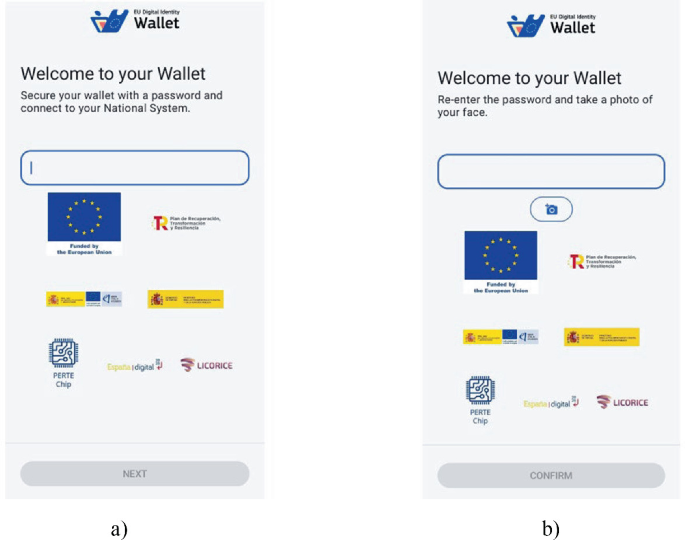
Setting up a passkey wallet replaces traditional seed phrases with your device’s built-in biometric sensors. This process uses the WebAuthn standard to generate a cryptographic key pair locally on your device, ensuring that your private key never leaves your hardware. The result is a wallet that unlocks with Face ID or Touch ID, combining the security of hardware-backed keys with the ease of password managers.
Download a WebAuthn-compatible passkey wallet from your device’s official app store. Look for applications that explicitly support EIP-7212, the Ethereum Improvement Proposal that allows smart contracts to verify biometric signatures. Once installed, open the app and select the option to create a new wallet rather than importing an existing one.
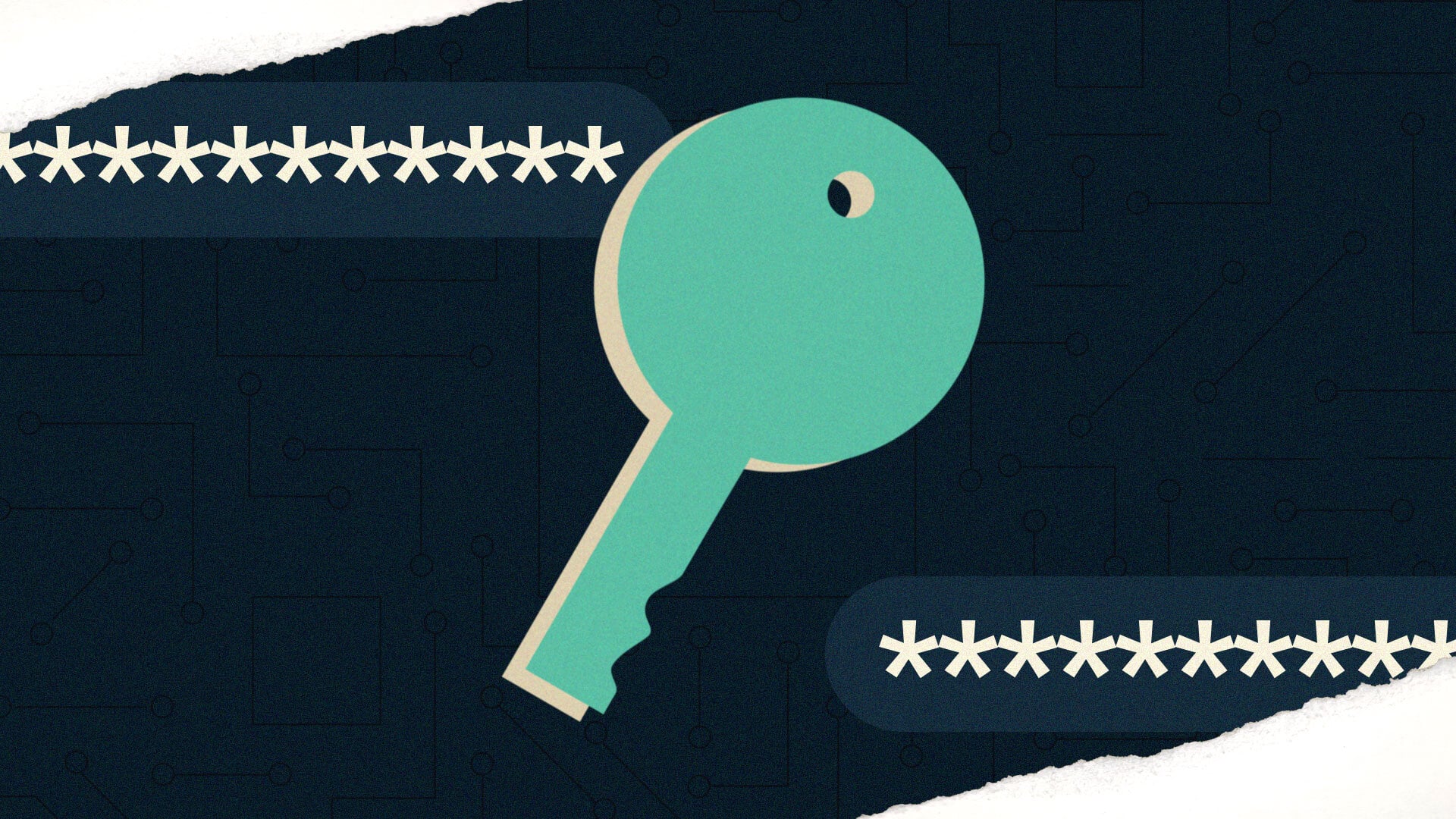
The application will prompt you to generate a new cryptographic key pair. This happens on-device using the Secure Enclave or equivalent trusted execution environment. The public key is prepared for registration with the blockchain, while the private key remains encrypted and inaccessible to the app developers or any external servers.
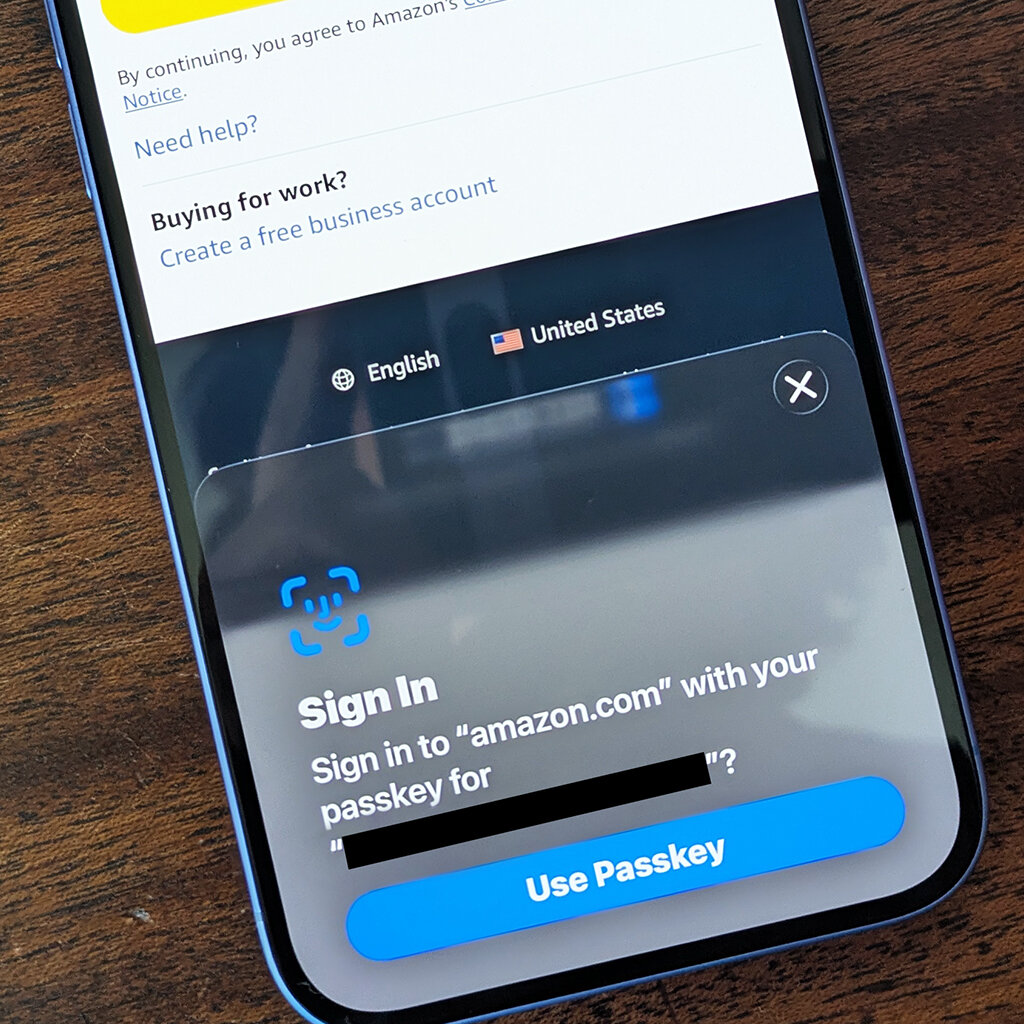
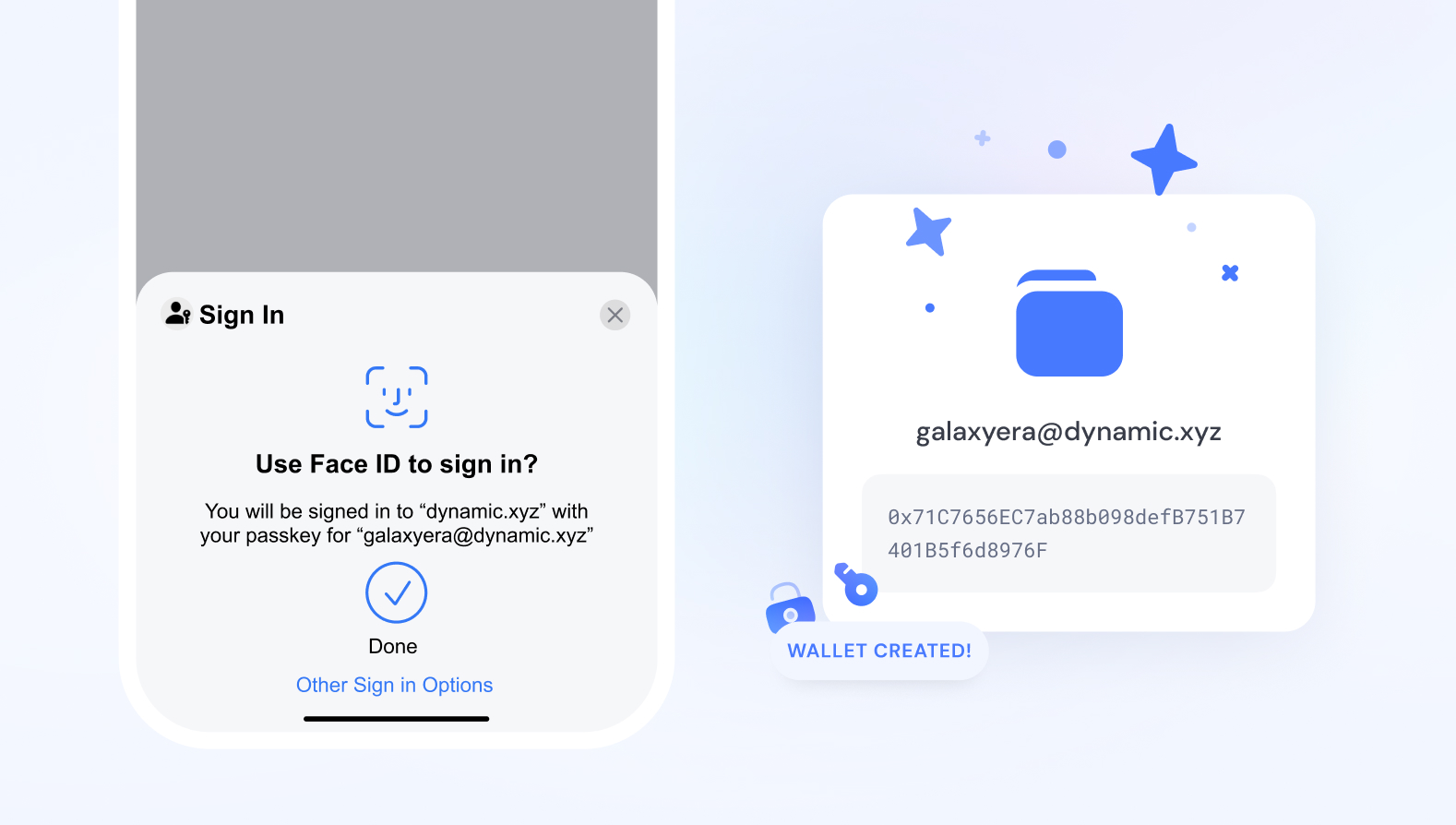
Your device will request biometric verification to sign the initial transaction. Place your finger on the scanner or look into the camera to complete the WebAuthn assertion. This step binds the cryptographic key to your specific physical presence, ensuring that only you can authorize transactions from this wallet.
Before finalizing, configure your recovery strategy. Unlike seed phrases, you cannot simply write down a passkey. Most wallets offer social recovery or multi-sig options, where trusted contacts or hardware devices can help restore access if your primary device is lost. Ensure you understand how to invoke these methods before you fund the wallet.
Once the biometric binding is complete, the wallet is ready for use. You can now send and receive assets, with each transaction requiring your fingerprint or face scan. This eliminates the risk of phishing attacks targeting static passwords, as the private key is never transmitted over the network.
Configure recovery and backup
Passkeys are tied to a single device or platform. If that device is lost, stolen, or the platform changes its authentication policy, you can lose access to your assets permanently. Unlike traditional seed phrases, you cannot simply write down a passkey. You must configure a recovery mechanism before you lose access.
Choose your recovery method
Most modern passkey wallets offer two main paths: Social Recovery or Multi-Party Computation (MPC) shards. Social Recovery relies on a group of trusted contacts to help you regain access. MPC splits your private key into shards distributed across different devices or services. You must choose one before you finalize your wallet setup.
Set up your trusted guardians
If you select Social Recovery, you need to designate guardians. These are typically friends, family members, or hardware wallets you control. You will need to generate unique recovery codes for each guardian. Store these codes in a secure, offline location. Do not share them digitally until you actually need to recover your account.
Test your recovery flow
Do not wait for a crisis to test your setup. Perform a dry run by simulating a device loss. Verify that your guardians can receive requests and that your backup devices can accept the new credentials. This step ensures that your recovery network is active and that you understand the process.
Checklist for passkey wallet recovery
-
Selected Social Recovery or MPC backup method
-
Generated and stored guardian codes offline
-
Verified backup device access
-
Completed a successful recovery test
Open your wallet settings and navigate to the Security or Recovery section. Choose between Social Recovery (trusted contacts) or MPC (sharded keys). Review the specific requirements for each model, such as the number of guardians needed or the devices required for shard storage. Confirm your selection.
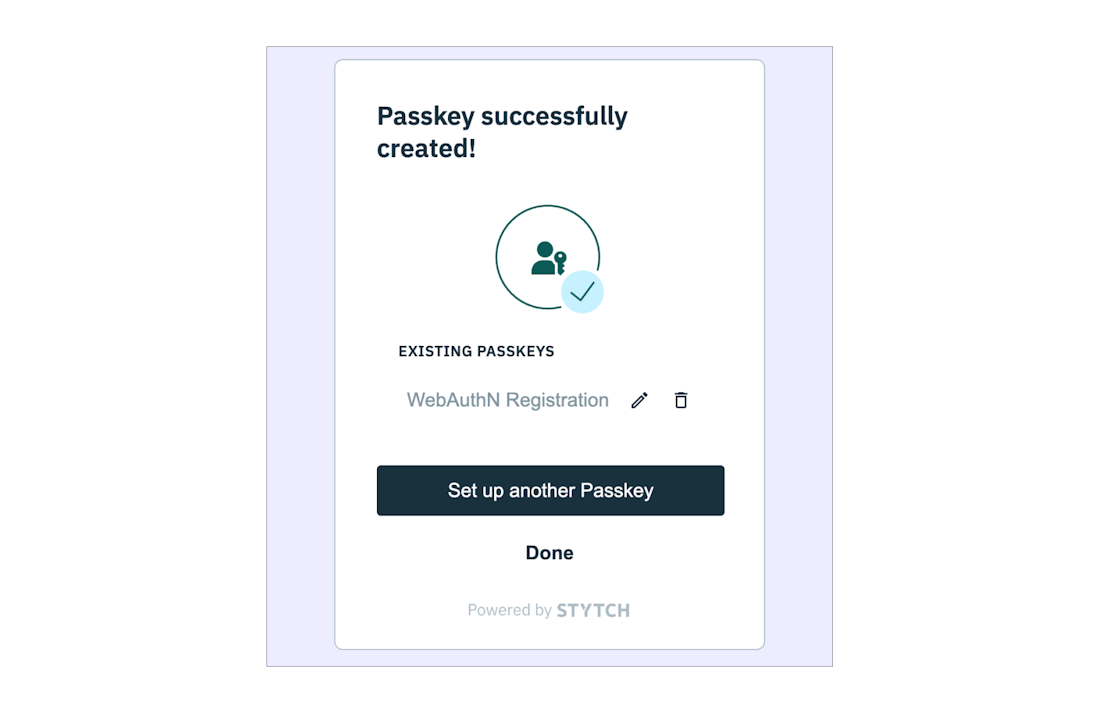
If using Social Recovery, the wallet will generate unique recovery codes for each designated guardian. Write these codes down on paper and store them in a secure physical location, such as a safe or safety deposit box. Do not store these codes in cloud notes or email. If using MPC, ensure your shard devices are properly registered and accessible.
Add at least one backup device to your passkey wallet. This could be a secondary phone, a tablet, or a hardware security key. Ensure this device is synced with your primary account and can receive authentication requests. Test that you can log in from this backup device without issues.
Simulate a loss by attempting to log in from a new or untrusted device. Trigger the recovery process and verify that your guardians or backup devices respond correctly. Ensure you can complete the authentication flow and regain full access to your wallet. If the process fails, adjust your settings or guardian list.
-
Selected Social Recovery or MPC backup method
-
Generated and stored guardian codes offline
-
Verified backup device access
-
Completed a successful recovery test
Avoid common passkey pitfalls
Passkey wallets offer strong phishing resistance, but relying on them without understanding their constraints can lock you out of your assets. Several failure modes are common enough that you should verify your setup against them before funding your wallet.
Cross-platform lock-in
Many wallets rely on the native passkey store of a single operating system. If you use an Apple-only wallet, you cannot retrieve your keys on Android or Linux. This creates a single point of failure tied to your hardware. If your device breaks or you switch platforms, you may lose access permanently. Always check if the wallet supports cross-platform passkey exports or backups via a standard protocol like WebAuthn metadata statements.
Domain binding issues
Passkeys are bound to the specific domain that created them. If a service changes its URL or you access it via a different subdomain, your passkey will not authenticate. This is a security feature, but it breaks user experience if not managed. Ensure your wallet or the dApp you are using clearly displays the domain binding and allows you to manage multiple bindings if you use different URLs for testing and production.
Gas cost penalties for account abstraction
Passkey wallets often use Account Abstraction (AA) to handle signatures. While this removes the need for a seed phrase, it can introduce unexpected gas costs. Smart contract wallets may require paying for transaction validation in a different way than standard EOAs. Some providers subsidize these fees, but others pass them on. Check the fee structure carefully to avoid paying double gas or encountering transaction failures due to insufficient balance for validation.
No agent signing
Passkeys are designed for human authentication. They do not support automated signing by bots or agents. If you need to automate transactions, such as for trading bots or scheduled payments, a passkey-only wallet will not work. You will need a separate MPC (Multi-Party Computation) wallet or a standard key-based wallet for automation tasks. Do not assume your passkey wallet can handle all types of on-chain interactions.
Passkey wallet setup FAQ
These questions address the most common hurdles when configuring a passkey wallet, focusing on security, device compatibility, and recovery protocols.
No comments yet. Be the first to share your thoughts!