
Seedless Solana Wallets with Passkeys: WebAuthn Setup Guide for Airdrop Hunters 2026

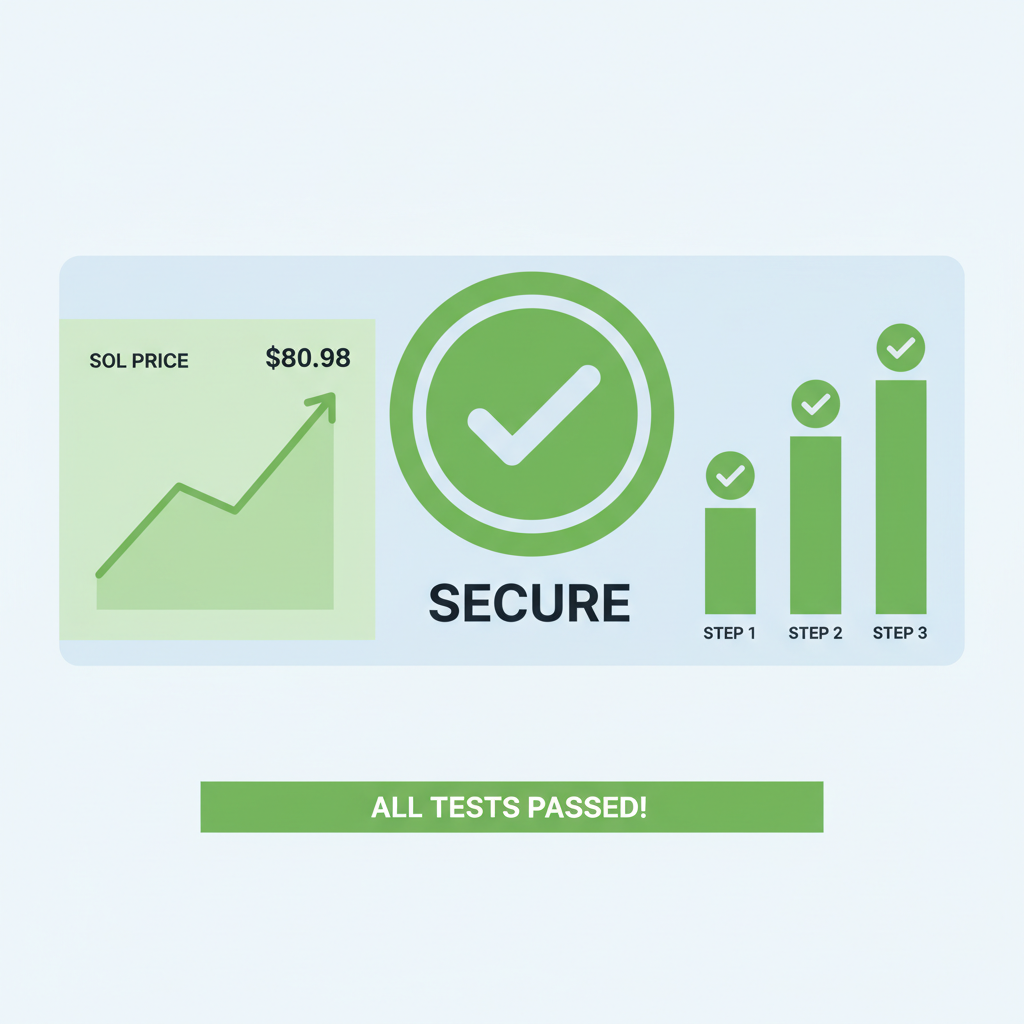
As Solana’s ecosystem matures in 2026, with Binance-Peg SOL trading at $80.98 after a modest 24-hour dip of $3.22, airdrop hunters face a high-stakes environment where speed and security collide. Traditional seed phrases, once the gatekeepers of crypto assets, now represent a glaring vulnerability; one lost mnemonic can wipe out months of farming rewards. Enter seedless Solana wallets powered by passkeys and WebAuthn, a hardware-backed revolution that ties authentication to your device biometrics without exposing private keys. For those chasing 2026 airdrops, this setup isn’t just convenient; it’s a prudent shield against phishing and human error.

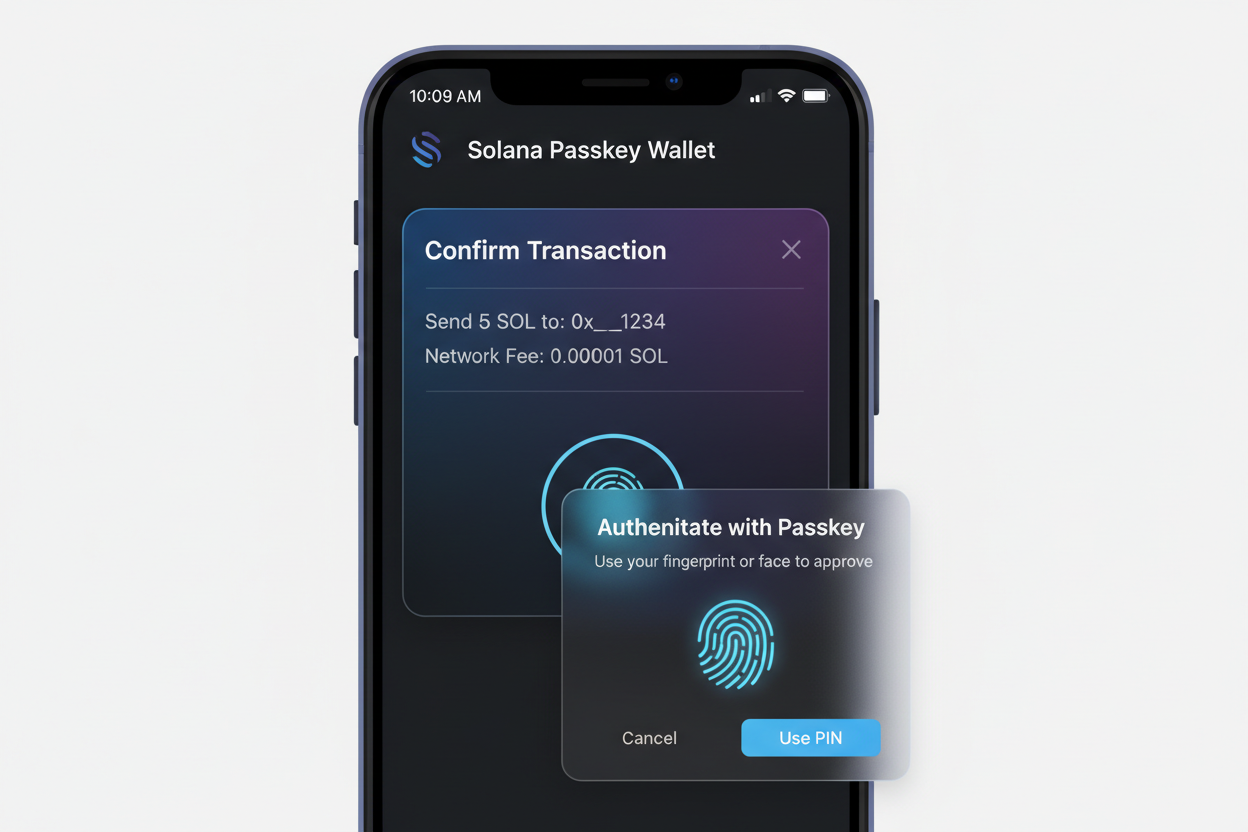
I’ve managed assets for over 15 years, and the principle of capital preservation translates seamlessly to crypto. Seed phrases demand flawless memory and storage, a tall order amid the frenzy of airdrop seasons. Passkey-based solutions, as championed by platforms like PasskeyWallets. com and projects such as OnboardX, leverage WebAuthn’s public-key cryptography. Your device generates and stores keys in a secure enclave, signing Solana transactions via biometric prompts. No copying, no cloud backups, no single point of failure.
Passkeys Eliminate Seed Phrase Risks in Solana Airdrops
Airdrop hunters thrive on multiplicity; spinning up dozens of wallets for testnet farming or mainnet eligibility is routine. But with SOL at $80.98, each compromised account risks real capital. No seed phrase Solana wallets sidestep this by deriving addresses from device-bound passkeys. Sources like Helius underscore how this accelerates onboarding, slashing the time from minutes to seconds. Blueshift. gg details hardware-backed signing, ensuring even if malware infiltrates your browser, the enclave remains untouchable.
Consider the data: Solana’s throughput suits rapid interactions, yet UX friction deters mainstream adoption. Getpara. com highlights passwordless sessions using P-256 curves, standard for WebAuthn. For airdrop campaigns demanding frequent signatures, this means biometric unlocks replace tedious recoveries. My cautious stance favors such innovations; they mirror the diversification I preach in equities, spreading risk across tamper-proof hardware rather than fragile text strings.

WebAuthn Fundamentals for Crypto Wallet Security
WebAuthn, the W3C standard underpinning passkeys, isn’t hype; it’s battle-tested against phishing. When a dApp requests authentication, your browser invokes the platform authenticator – think Face ID or Windows Hello. A challenge-response protocol ensues, with the private key never leaving the device. On Solana, this integrates via embedded wallets, as per DEV Community tutorials using LazorKit for biometric smart wallet creation.
Gate. com unpacks the interplay with account abstraction (AA) and MPC, but for airdrop hunters, pure WebAuthn suffices. No multisig complexity; just robust, daily-use key management. Platforms like PasskeyWallets. com extend this to effortless recovery via cross-device sync, secured by Apple’s iCloud Keychain or Google’s equivalents. Yet caution prevails: always verify dApp origins, as Solana’s speed amplifies scam velocity.
Preparing Your Device for Passkey Wallet Setup
Before diving into passkey wallet setup 2026, ensure compatibility. Modern browsers – Chrome 109 and, Safari 16 and, Firefox 122 and – support WebAuthn Level 3. Mobile? iOS 16 and or Android 9 and with biometric hardware. Solana dApps like those from OnboardX prompt passkey registration during wallet creation, often via email or social for initial binding.
Secure WebAuthn Passkey Setup for Seedless Solana Wallets
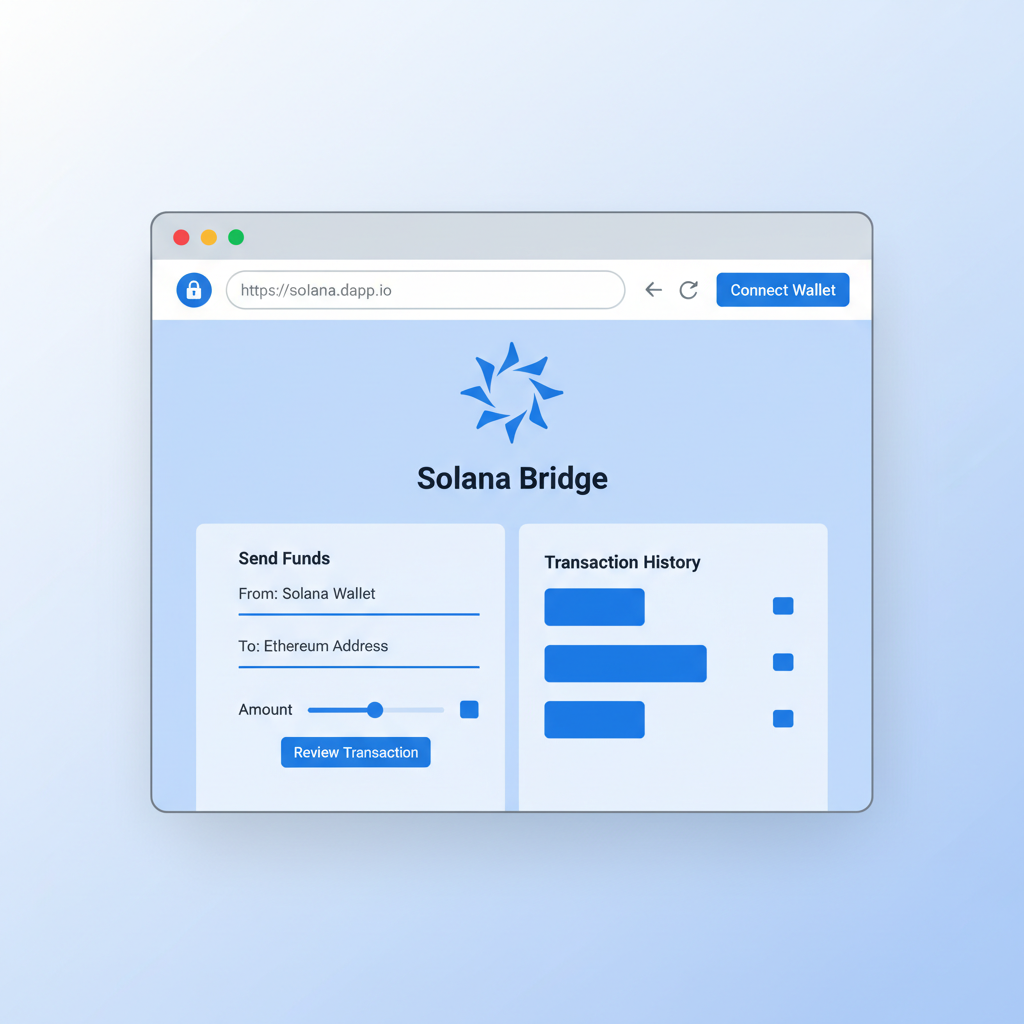
Test with faucets first; Block Magnates guides airdropping test SOL via CLI or explorers. Import? Skip it – generate fresh for each hunt. This setup positions you for passkeys Solana airdrop efficiency, where signing 50 transactions daily becomes routine without fatigue.
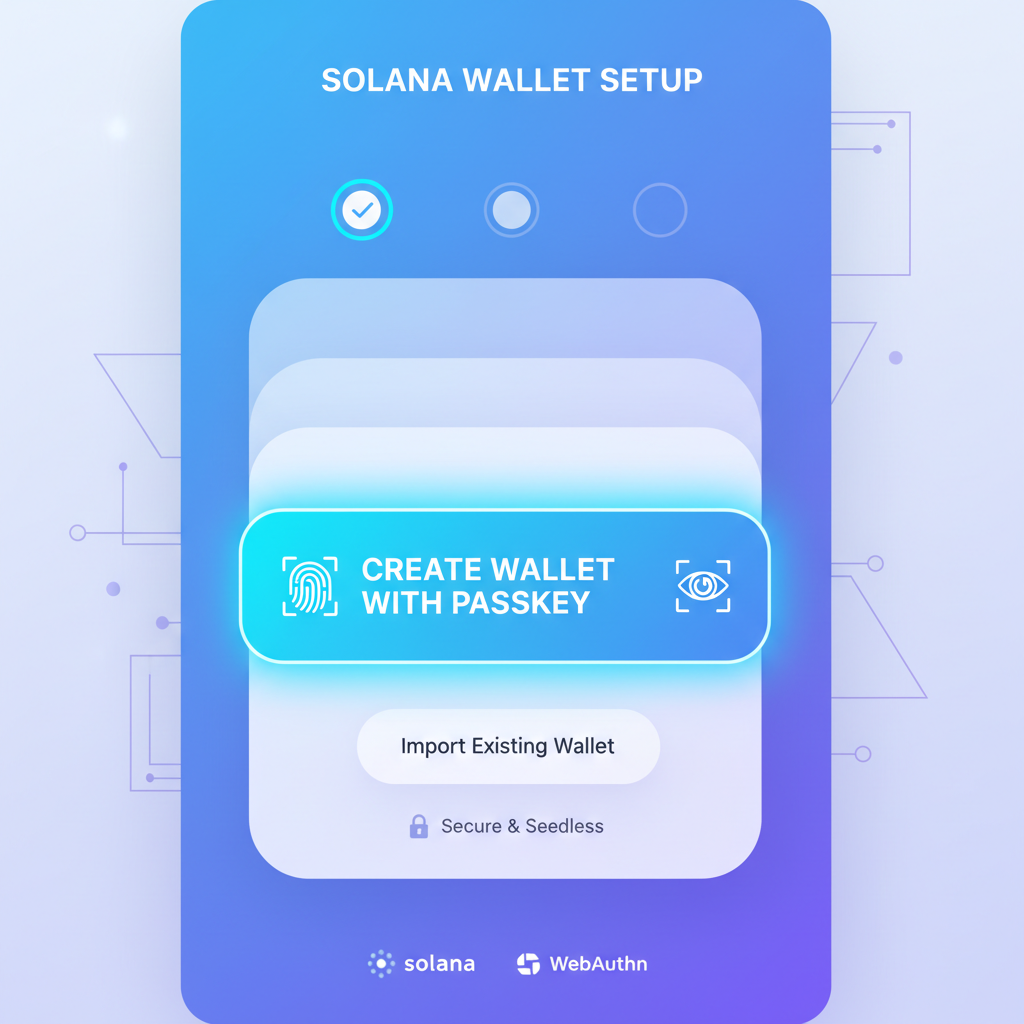
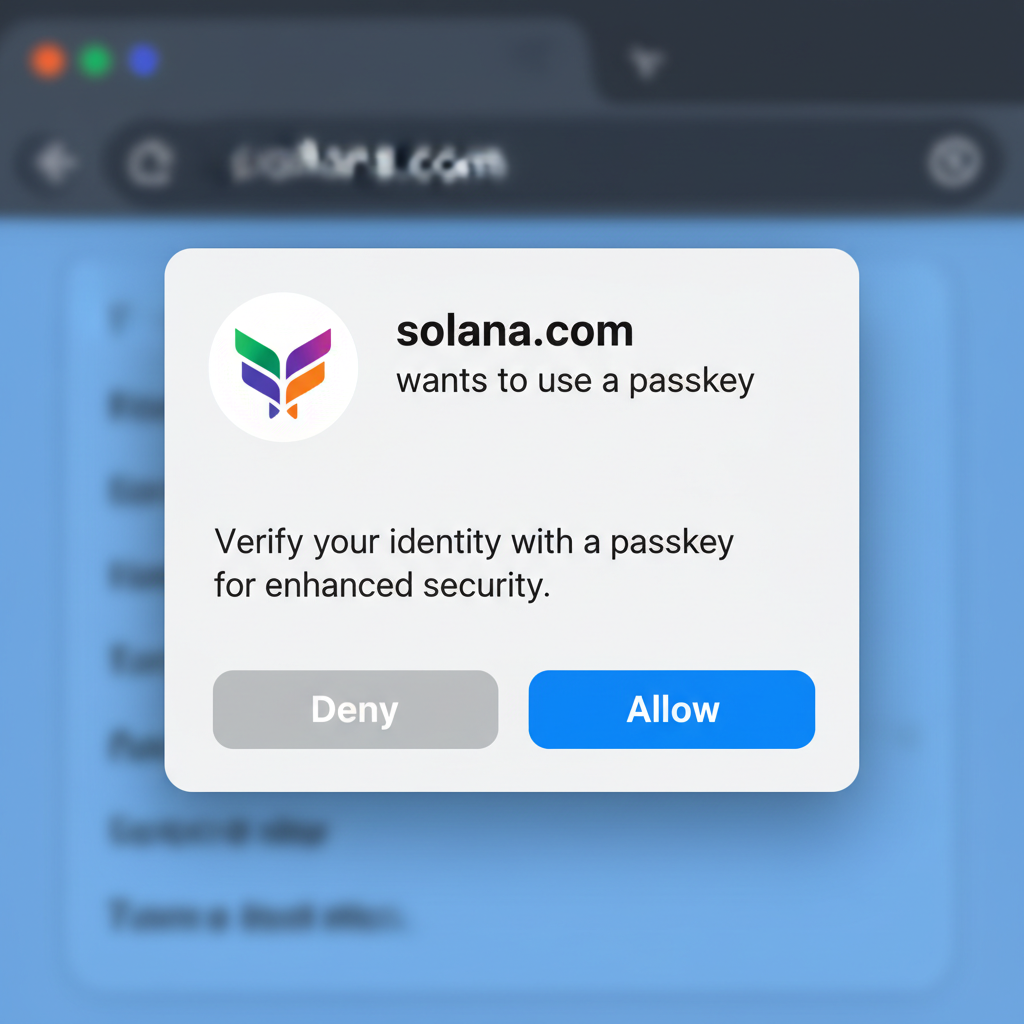
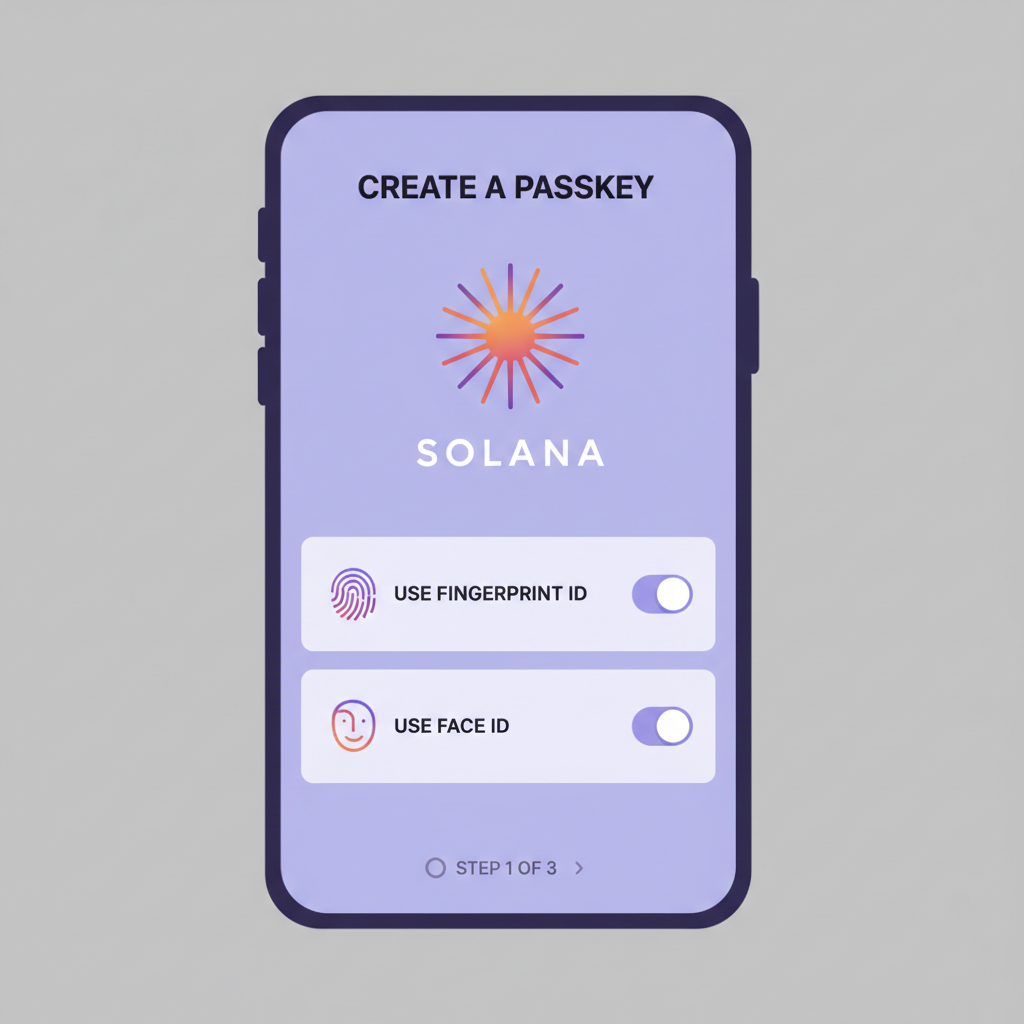
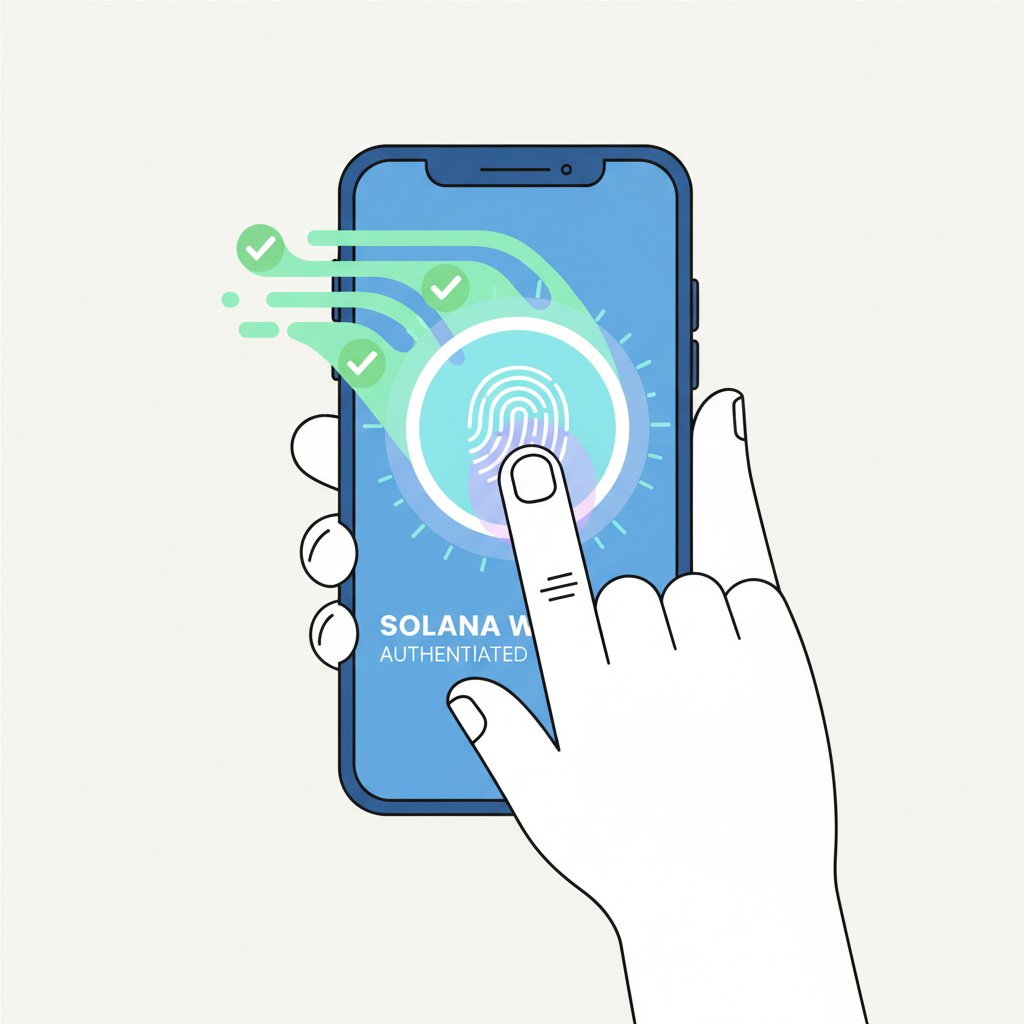
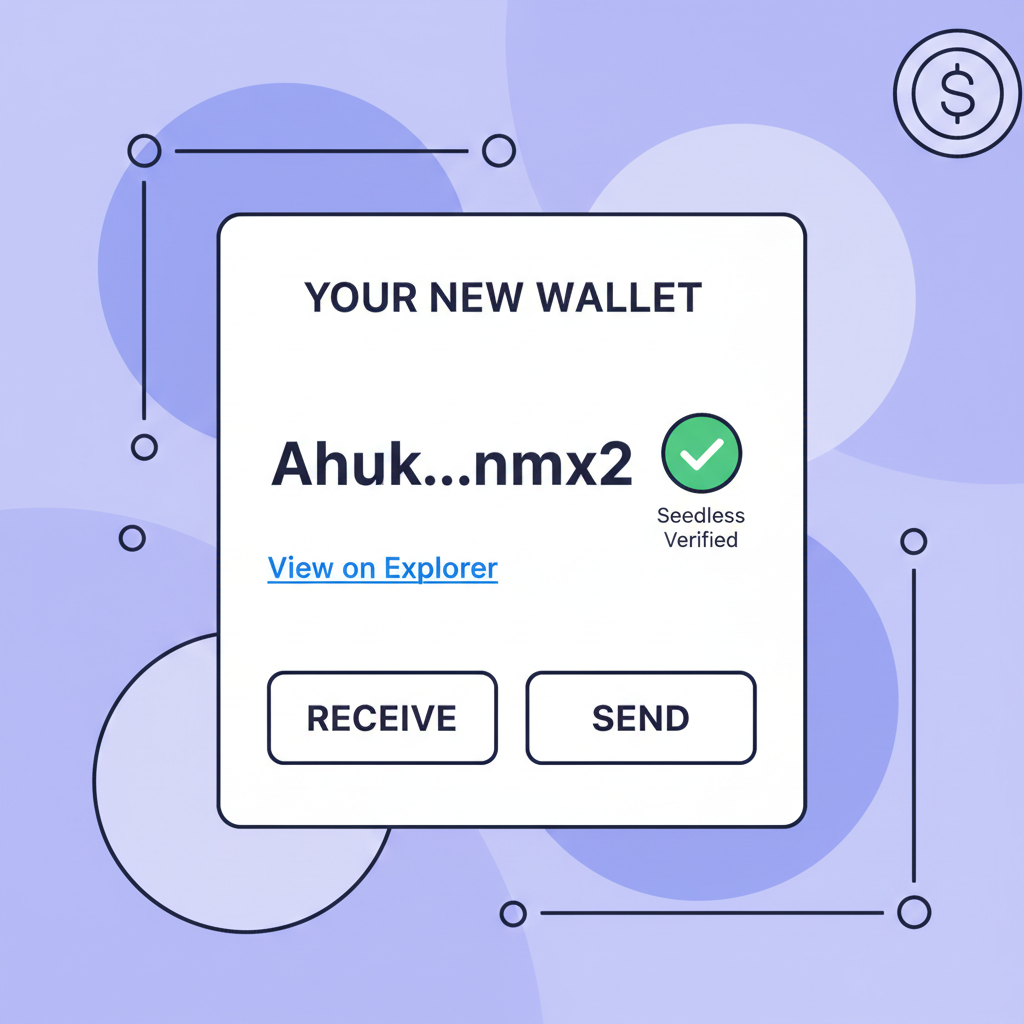
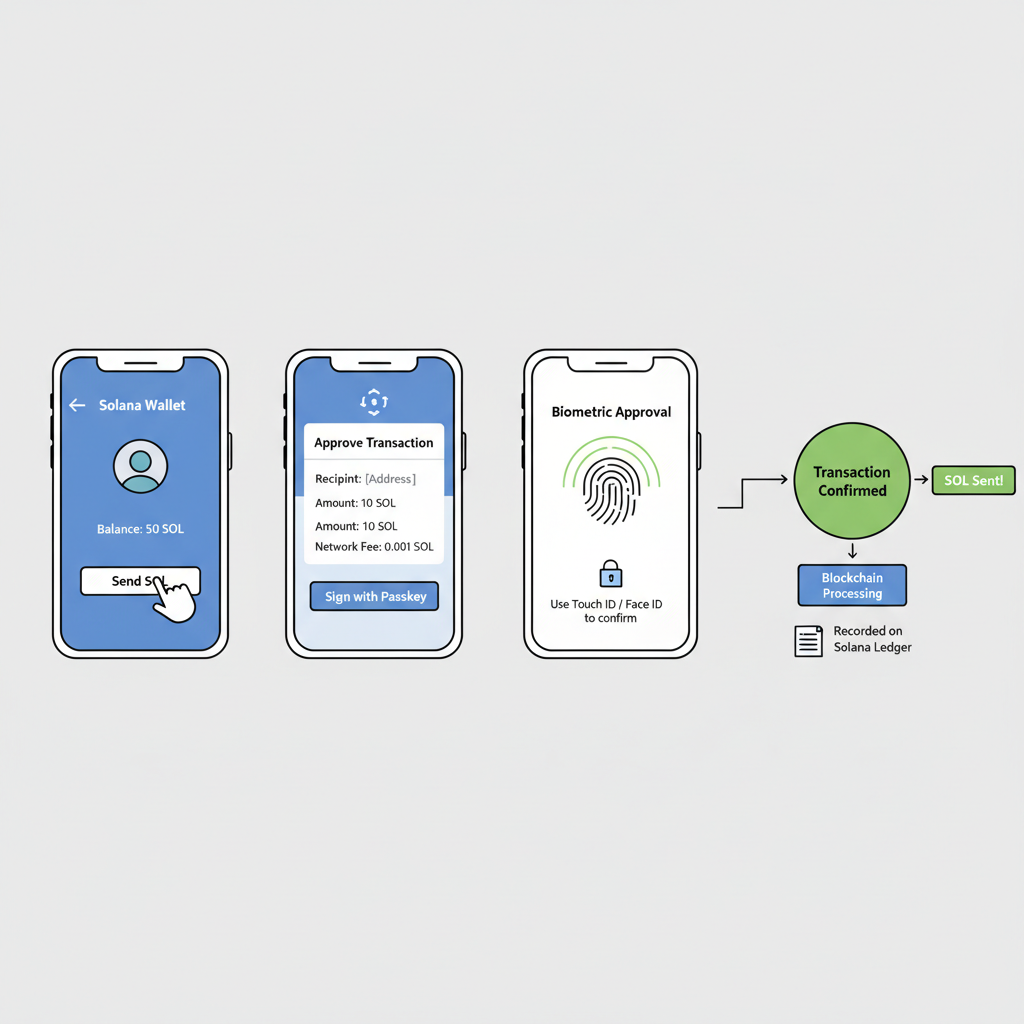
With your device primed, the actual passkey wallet setup 2026 unfolds in moments. Target Solana dApps optimized for WebAuthn, such as those from OnboardX or integrated via Para SDKs. Launch a compatible browser, navigate to the wallet creation flow, and select the passkey option. Your platform authenticator will prompt for biometrics; approve, and the dApp derives a Solana address from the public key. No seed phrase Solana management required, just a secure enclave handling the private counterpart.
Core WebAuthn Integration for Solana Transactions
Transaction signing elevates this from novelty to necessity. When an airdrop dApp requests approval, WebAuthn intercepts with a challenge. The enclave signs using the passkey private key, appending the signature to Solana’s instruction set. Helius documentation praises this for slashing onboarding time, vital when SOL hovers at $80.98 and opportunities vanish in seconds. Blueshift. gg emphasizes hardware-backed keys, mirroring the isolated signing modules in enterprise HSMs I’ve audited over my career.
Build Secure Seedless Solana Wallet: LazorKit WebAuthn Guide

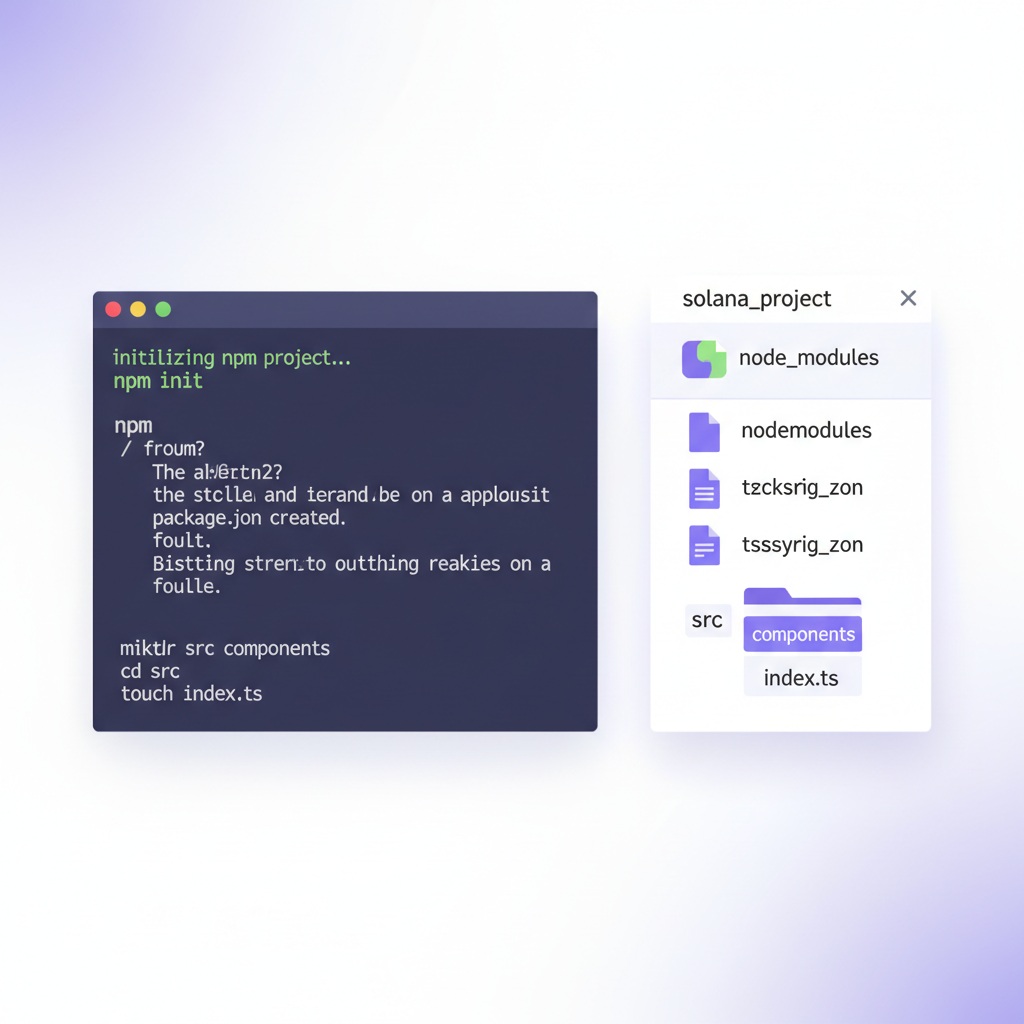
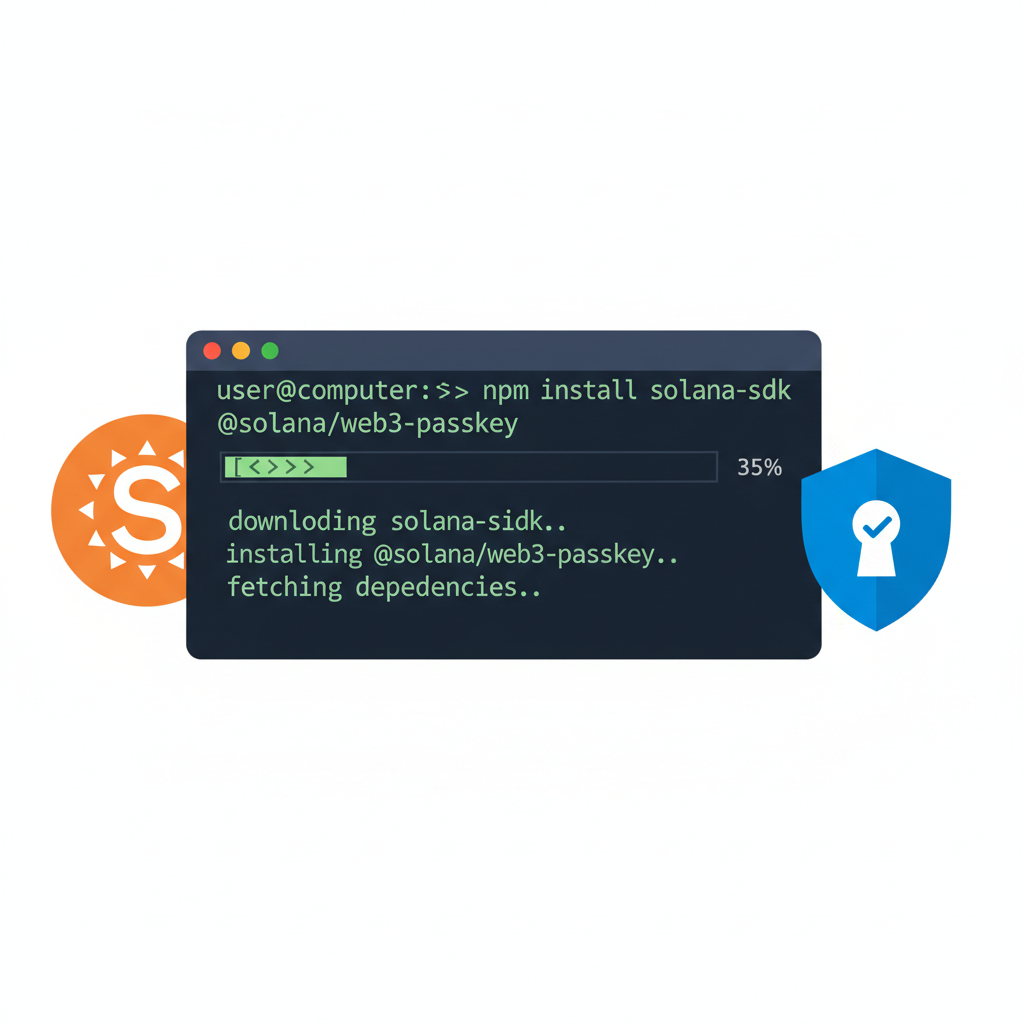
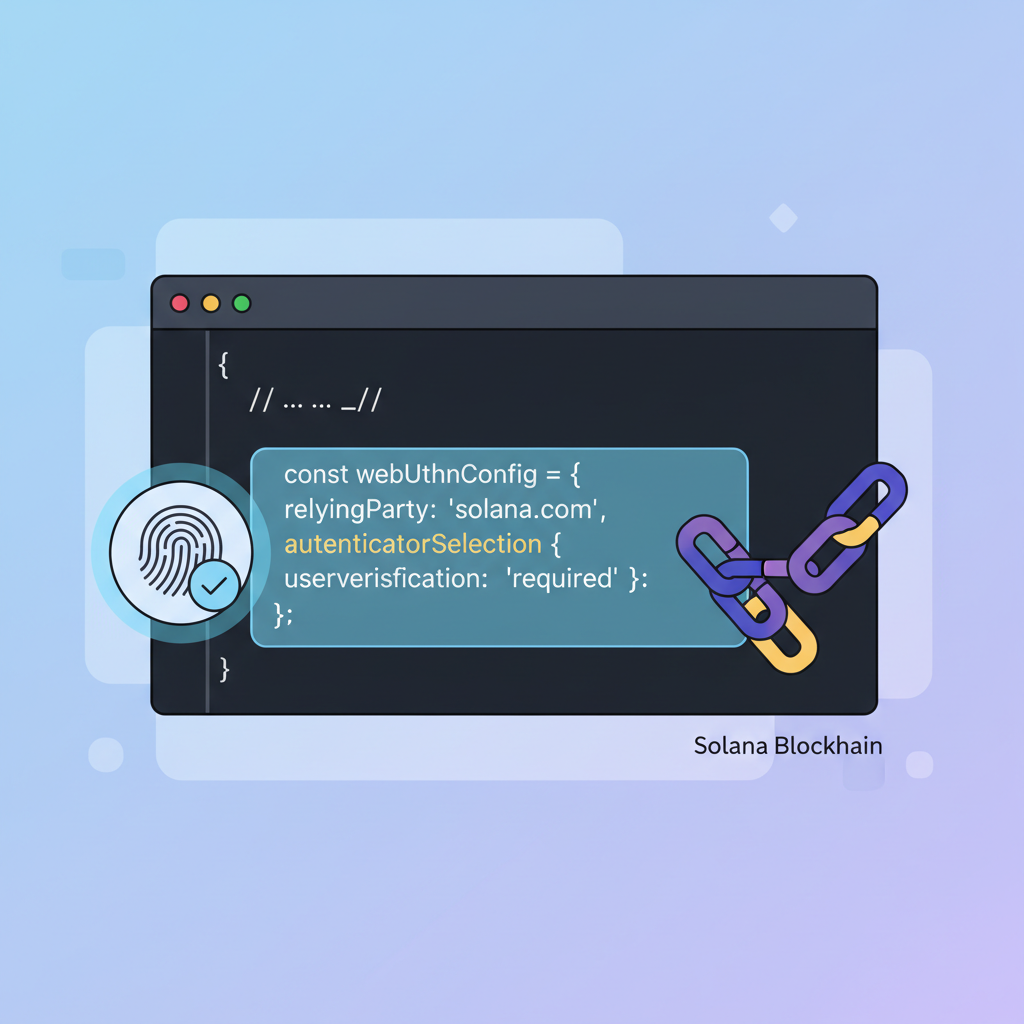
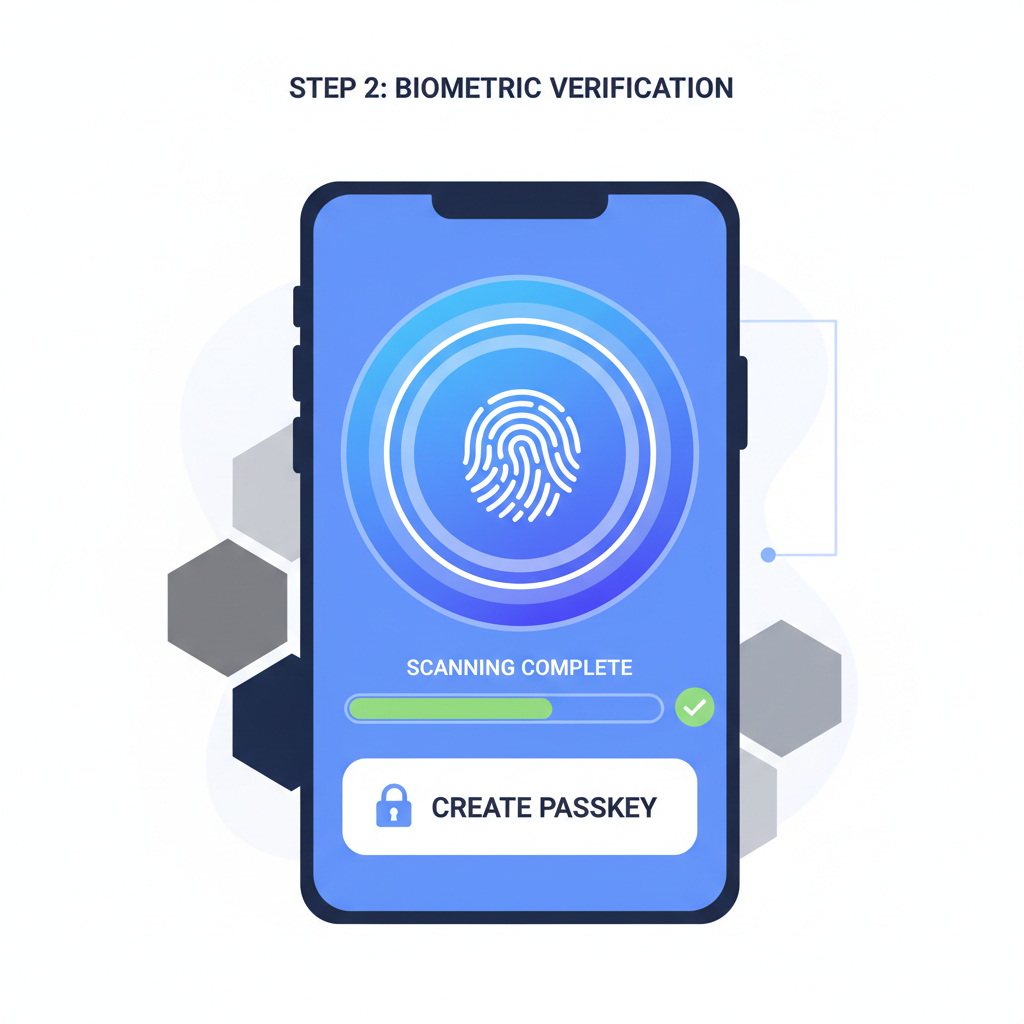
Para’s frictionless UX shines here; device-bound sessions persist across sessions, eliminating re-authentication drag. For airdrop hunters juggling testnets, this means provisioning wallets en masse without mnemonic sprawl. My conservative lens appreciates the risk transfer: from user-held secrets to manufacturer-secured chips, akin to custodian vaults in fixed income.
Advanced Setup: CLI and SDK Enhancements
Power users extend this with Solana CLI for testnet faucets or custom derivations. First, install the CLI via standard package managers. Generate a passkey-paired keypair indirectly through WebAuthn-enabled dApps, then export public keys for program interactions. DEV Community tutorials via LazorKit provide the blueprint, blending biometrics with Solana RPC calls.
solana balance and lt;your-passkey-address and gt;; faucets dispense test SOL swiftly, confirming functionality before mainnet stakes. At $80.98 per SOL equivalent, even simulated runs build muscle memory for high-value hunts. Gate. com notes synergies with account abstraction, but for pure seedless operation, WebAuthn stands alone, unburdened by MPC overhead.
PasskeyWallets. com exemplifies production-ready implementation, their WebAuthn-native smart wallets syncing across devices via encrypted keychains. Recovery? Cross-platform passkeys migrate seamlessly, a far cry from seed phrase hunts that doom 20% of users per industry estimates.
Optimizing for 2026 Airdrop Seasons
Airdrop efficacy demands scale. Spin up passkey wallets per device limit – typically three to five – then leverage multi-device ecosystems. Android’s Credential Manager or iOS Passkeys enable this without key exposure. Track campaigns via Solana explorers; sign eligibility proofs biometrically, repeating across farms. With SOL’s 24-hour low at $80.24, timing entries below resistance preserves capital for gas.
Seed Phrase vs. Passkey Solana Wallets Comparison
| Aspect | Seed Phrase Wallets | Passkey (WebAuthn) Wallets |
|---|---|---|
| Security | 🔒 Moderate Pros: User full control Cons: Risk of phrase theft/loss |
🔒🔒 High Pros: Hardware-backed, biometric Cons: Device-bound |
| Recovery Time | ⏱️ 1-2 min (if phrase available) Pros: Portable Cons: Permanent loss if forgotten |
⚡ Instant/Synced Pros: No phrase to lose Cons: Sync dependency |
| Phishing Resistance | ⚠️ Low Pros: N/A Cons: Easily phished |
🛡️ High Pros: Domain-bound, no secrets Cons: Rare MITM attacks |
| Setup Speed | 🐌 5-10 min Pros: Familiar Cons: Backup errors common |
🚀 <1 min Pros: Frictionless biometric Cons: Device required |
Phishing remains the outlier risk; Solana’s velocity amplifies social engineering. Mitigate by pinning trusted dApps, disabling autofill on suspicious sites, and auditing prompts. My portfolio rule – never over-allocate to unverified vectors – applies: cap exposure per wallet at 5% of hunt capital.
James Bachini’s explorations on YouTube extend passkeys to smart contracts, hinting at Soroban-like bundling on Solana. As ecosystems converge, WebAuthn crypto wallet standards solidify. Hunters adopting early gain edges in UX and security, positioning for yields that compound like dividend aristocrats.
Binance-Peg SOL’s stability at $80.98 underscores Solana’s maturity; seedless setups future-proof participation. Deploy now, farm deliberately, and watch vulnerabilities fade into obsolescence.